Introduction: The “Graveyard” of Abandoned Apps
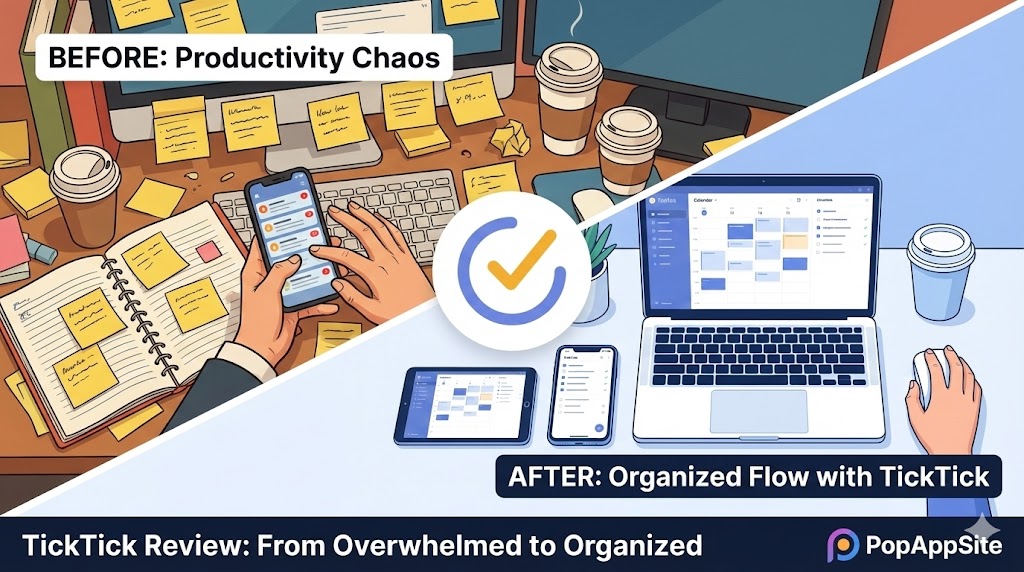
I have a problem. I am addicted to downloading productivity apps. My phone is a graveyard. I have Todoist (too expensive now). I have Things 3 (beautiful, but I forget to look at it). I have Notion (I spent 3 days building a dashboard and 0 minutes doing work). I thought I was just lazy. Then I tried TickTick. I realized my problem wasn’t “making lists.” My problem was “finding time.” TickTick is the only app that forced me to stop making lists and start Time Blocking. It didn’t just organize my tasks; it organized my day.
What is TickTick?
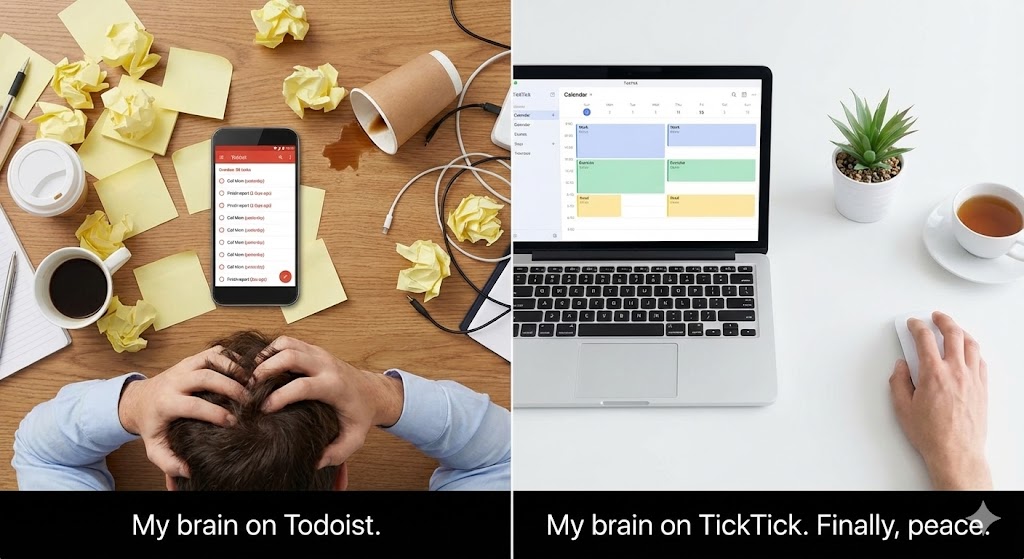
On the surface, TickTick looks like just another checklist app. You write “Buy Milk.” You check the box. It disappears. But that is a lie. TickTick is actually a Calendar App disguised as a To-Do list. It combines three things that are usually separate apps:
- Task Manager (Like Todoist)
- Calendar (Like Google Calendar)
- Pomodoro Timer (Focus tool) By putting these all in one place, it stops you from jumping between apps (and getting distracted by Instagram on the way).
The Features That Saved My Career
1. The Calendar View (Time Blocking)
This is the “God Tier” feature. In other apps, a task is just a line of text: “Write Report (Due Today).” Great. When? 2 PM? 4 PM? During lunch? In TickTick, I can drag that task directly onto a calendar grid. It turns into a blue block from 2:00 PM to 4:00 PM. Suddenly, the task isn’t just a wish; it’s a plan. If I don’t finish it, I have to physically drag the block to tomorrow. The shame of moving that block is what motivates me to actually do the work.
2. The Built-in Pomodoro Timer (The “ADHD” Button)
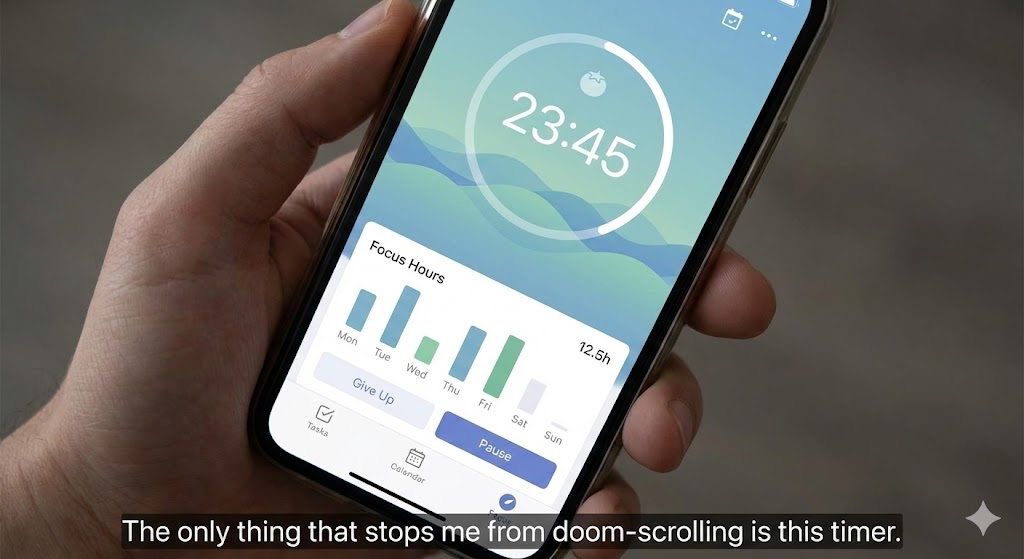
I have an ADHD brain. Starting is the hardest part. TickTick has a “Focus” tab. I click a task, hit “Start Pomo,” and a 25-minute timer starts ticking. It plays white noise (rain sounds or forest sounds) directly in the app. I don’t need to open a separate “Forest” app. I don’t need to look for a YouTube lo-fi playlist. It reduces the friction of starting to zero. Plus, it tracks how many hours I actually focused. Seeing that “Focus Stats” chart go up is addictive.
3. Voice Input & Natural Language (The “Lazy” Feature)
I hate typing dates. In TickTick, I hold the “+” button and say: “Call Mom every Sunday at 9 PM.” It instantly creates a recurring task:
- What: Call Mom
- When: 9:00 PM
- Repeat: Weekly on Sunday It is smarter than Siri. It rarely mistakes what I mean.
The Honest Truth: It’s Not “Pretty”
I have to be honest. If you are a designer, TickTick might hurt your eyes. It is not as elegant as Things 3. It feels a bit… utilitarian. The interface can get cluttered. There are buttons for “Habits,” “Eisenhower Matrix,” “Tags,” “Lists.” Sometimes it feels like they stuffed too many features into one app. It takes a few days to configure the settings to hide the junk you don’t use. Also, the PC version sync is great, but occasionally (maybe once a month) I have to hit the “Sync” button manually.
Pros and Cons
The Pros:
- The Price: The Premium version is cheaper than Todoist. And the Free version is surprisingly generous (it doesn’t hide reminders behind a paywall like Todoist does).
- Cross-Platform: It is everywhere. Windows, Mac, iOS, Android, Web, Apple Watch. And they all look the same.
- All-in-One: I cancelled my subscription to a Pomo app and a Habit Tracker app because TickTick does both.
The Cons:
- UI Clutter: It’s powerful, but not minimalist.
- Calendar Sync: Sometimes the 2-way sync with Google Calendar can be a bit slow (takes a few minutes to update).
Who Is This For?
- Freelancers: Who need to track billable hours (using the Pomo timer).
- Students: Who need to balance homework deadlines with class schedules.
- Procrastinators: If standard lists don’t work for you, you need Time Blocking. TickTick is the best Time Blocking tool, period.
Final Verdict
I stopped looking for the “perfect” productivity app because I found the most useful one. TickTick isn’t a piece of art; it’s a power tool. It acknowledges the harsh reality that listing a task is easy, but finding time to do it is hard. If you are tired of long lists of undone tasks, delete Todoist and install this.
My Rating: ⭐⭐⭐⭐½ (4.8/5) — The Swiss Army Knife of getting things done.










