Introduction: The Web is Broken, Fix It Yourself
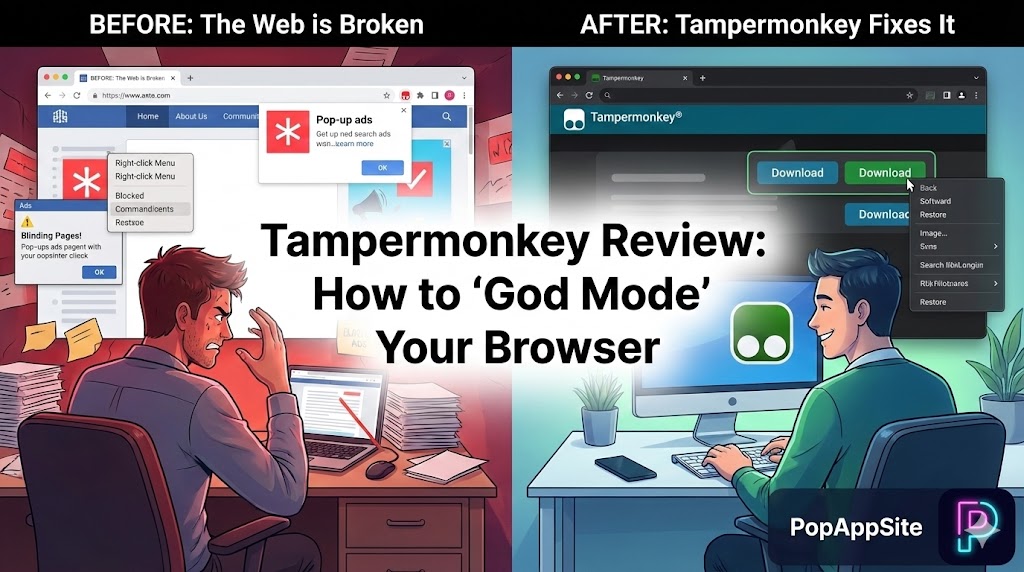
Have you ever visited a website and thought: “Why is this button here?” or “Why can’t I copy this text?” or “I wish this white background was dark mode.” The internet is full of bad design. Developers force you to use their sites their way. I hate being told what to do. That is why Tampermonkey is the first extension I install on any computer. It is not just an extension; it is a User Script Manager. It allows you to inject your own code into any website. Does that sound scary? Maybe. Does it feel like you have superpowers? Absolutely. With Tampermonkey, you don’t just browse the web; you rewrite it.
What is Tampermonkey?
Imagine your browser is a video game. Chrome or Edge gives you the “Vanilla” experience. Tampermonkey is the Mod Loader. It doesn’t do anything by itself. It sits quietly in the background, waiting for you to feed it “Scripts” (tiny pieces of Javascript code). When you visit a website (like YouTube or Google), Tampermonkey checks if you have a script for that site. If you do, it activates the script and changes the page instantly. It has over 10 million users for a reason. It is the standard for web modification.
The Scripts That Changed My Life (The “GreasyFork” Connection)
You might be thinking: “But I don’t know how to code!” Relax. Neither do I (mostly). You don’t write the scripts; you download them from a site called GreasyFork. It’s like the App Store for Tampermonkey. Here is what I use it for:
1. Bypassing “Anti-Features”
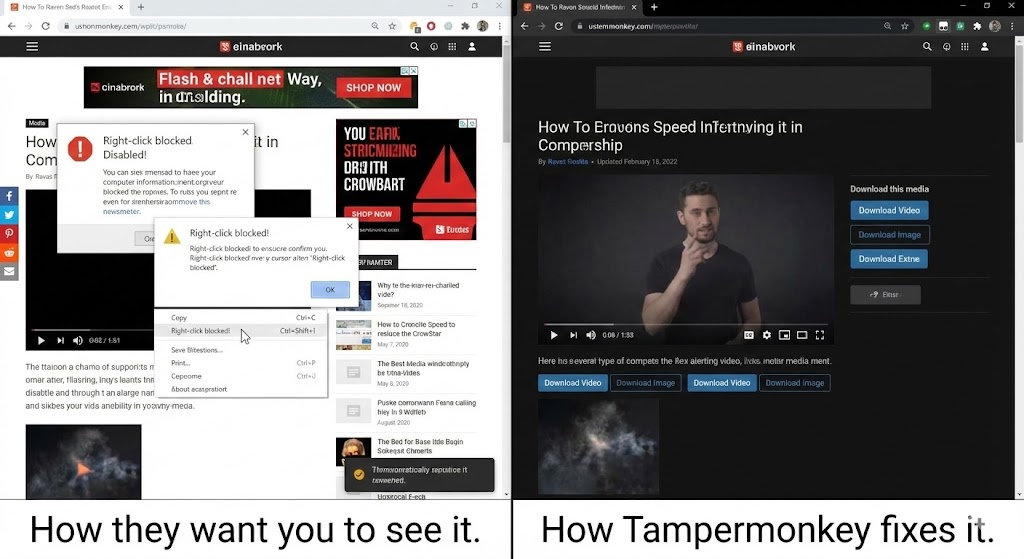
You know those websites that disable Right-Click? Or prevent you from selecting text? I have a script called “Absolute Enable Right Click & Copy”. It forces the browser to obey me. I can copy whatever I want. Or those websites that say “Please turn off your Adblocker to continue”? There is a script for that, too. It tells the website: “No, I don’t think I will,” and lets me read the article anyway.
2. Fixing YouTube
YouTube changes its layout every six months, usually for the worse. The community always fixes it.
- Want the “Dislike” count back? There’s a script.
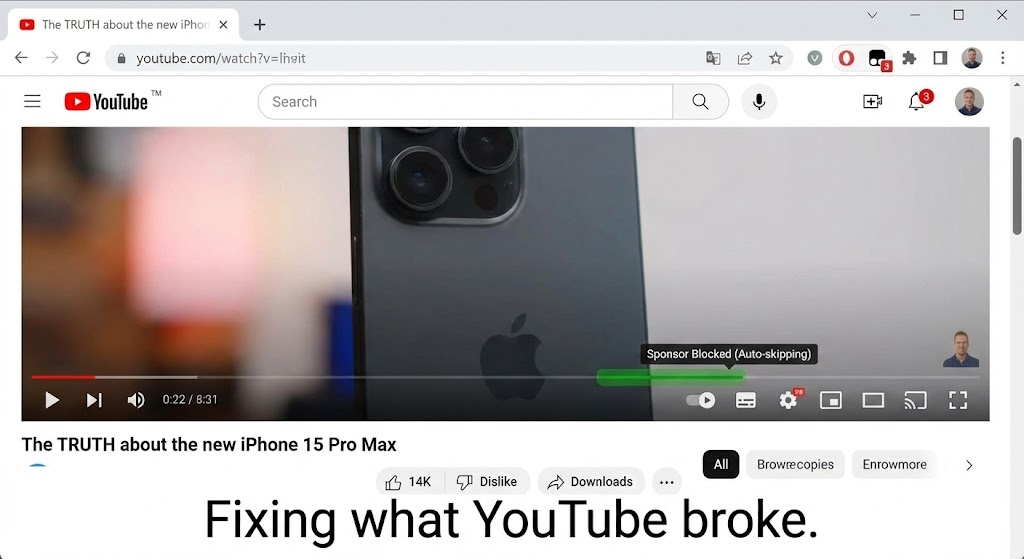
- Want to automatically skip sponsors in videos? There’s a script (SponsorBlock).
- Want to set default quality to 4K forever? Script. Tampermonkey turns YouTube into the platform it should be.
3. Automated Shopping
I do a lot of online shopping. I use a script that automatically searches for coupons when I’m on a checkout page. I use another script that shows me the price history of an item on Amazon right on the product page. I don’t have to click anything. The information just appears. It’s like having a HUD (Heads-Up Display) for shopping.
The Honest Truth: The “Wild West” Danger
I need to be very serious here. Tampermonkey is powerful, which means it is dangerous. A bad script can steal your cookies. It can steal your passwords. It can redirect you to malware sites.
- Rule #1: Only install scripts from GreasyFork.org or OpenUserJS.
- Rule #2: Look at the install count. If a script has 100,000 installs, it’s probably safe. If it has 5 installs and was uploaded yesterday by “User123”, DO NOT TOUCH IT.
- Rule #3: Review the code if you can. Or at least read the comments. You are letting strangers run code on your browser. Be paranoid.
Pros and Cons
The Pros:
- Ultimate Control: You can change anything on a webpage (colors, layout, features).
- Huge Library: Thousands of free scripts are available.
- Cross-Browser: Works on Chrome, Edge, Firefox, Safari, Opera.
- Free: Totally free.
The Cons:
- Security Risks: Malicious scripts exist. You must be careful.
- Maintenance: Websites update, and scripts break. You have to update your scripts often.
- Performance: Running 50 scripts at once will slow down your browser loading time.
Who Is This For?
- Power Users: People who want to customize every pixel of their workflow.
- Ad Haters: People who want to bypass anti-adblock detectors.
- Developers: It’s a great way to test code snippets on live sites.
- Gamers: For web-based games (though this is often considered cheating, so be careful).
Final Verdict
The web is messy, hostile, and full of bad UX. Browsing without Tampermonkey feels like walking barefoot on a street full of Lego bricks. Browsing with Tampermonkey feels like wearing iron boots. It requires a bit of learning (finding the right scripts), but once you realize you can fix the websites you hate, you will never surf “naked” again.
My Rating: ⭐⭐⭐⭐⭐ (5/5) — The Swiss Army Knife for the web. Dangerous if misused, god-like if used correctly.










