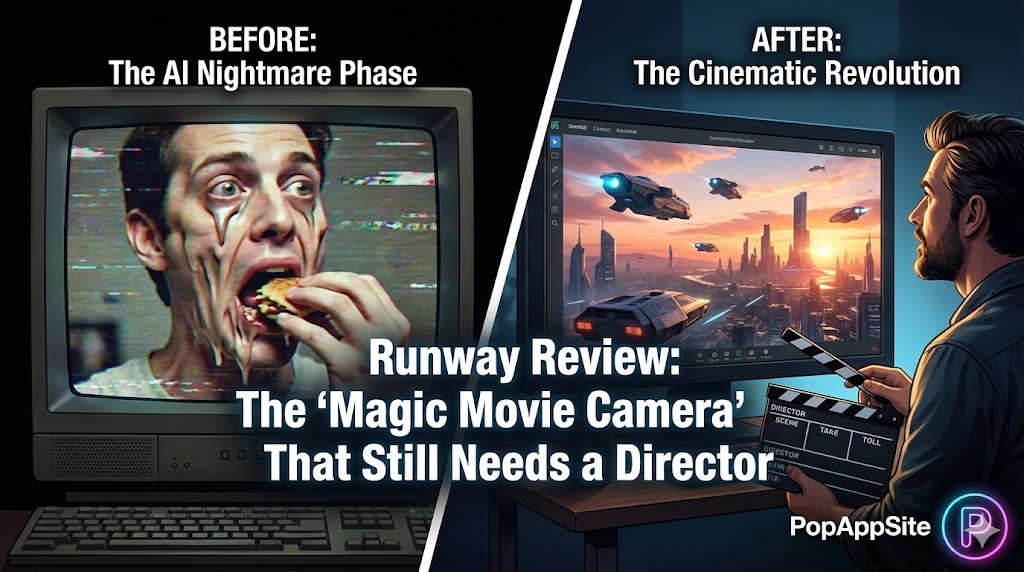
Introduction: Remember “Will Smith Eating Spaghetti”?
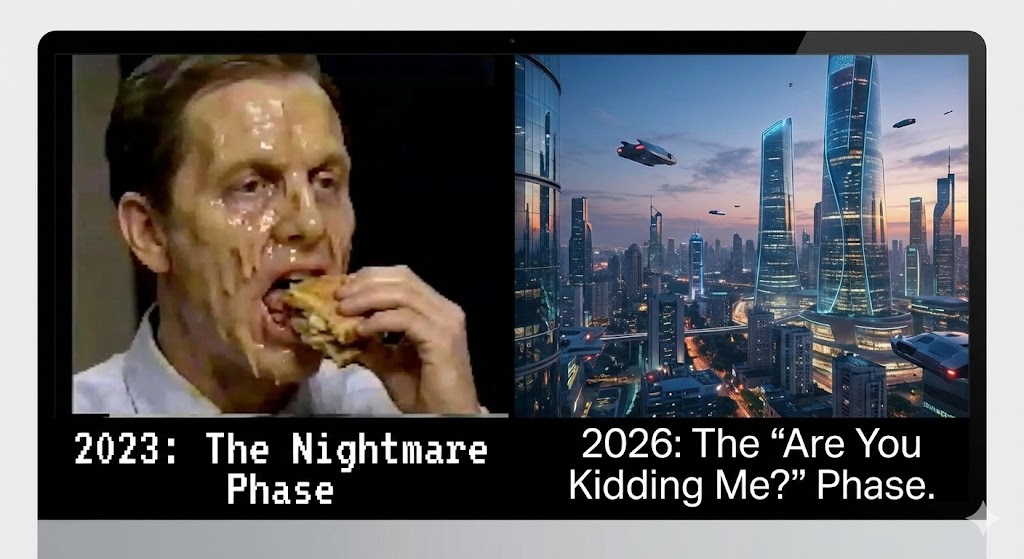
Let’s be honest. A couple of years ago, AI video was a joke. It was nightmare fuel. Do you remember that viral video of an AI-generated Will Smith aggressively eating spaghetti? It was horrifying. Faces melted, limbs twisted, and physics didn’t exist. I’m a traditional video editor. I use Premiere Pro. I thought, “Okay, my job is safe for another 10 years. This tech is a gimmick.”
Then Runway dropped their latest model (Gen-3 Alpha). Curiosity got the better of me. I logged in, expecting another horror show. I typed: “Cinematic drone shot sweeping over a cyberpunk city at sunset, raining.” I waited 90 seconds. The result didn’t just melt my brain; it completely rearranged my understanding of filmmaking. It wasn’t perfect, but it was real video. It had mood, lighting, and complex motion. My job might not be safe after all.
What is Runway?
Runway is a web-based creative suite, but everyone talks about its AI magic: Gen-2 and Gen-3 Alpha. These are “multimodal” AI systems. In plain English: You can give it text, images, or other videos, and it spits out a new video clip. It’s basically a tiny, incredibly fast, slightly chaotic film crew living in your browser. You don’t need cameras, lights, or actors. You just need ideas.
The Features That Ruined My Weekend (Because I Couldn’t Stop)
1. Text-to-Video (The Dream Machine)
This is the purest form of magic. You type a prompt, hit generate, and pray. When it hits, it hits hard. I’ve created alien planets, historical battles, and surreal dreamscapes just by typing a few sentences. It feels like having a direct line from your imagination to a screen.
2. Image-to-Video (The Director’s Control)
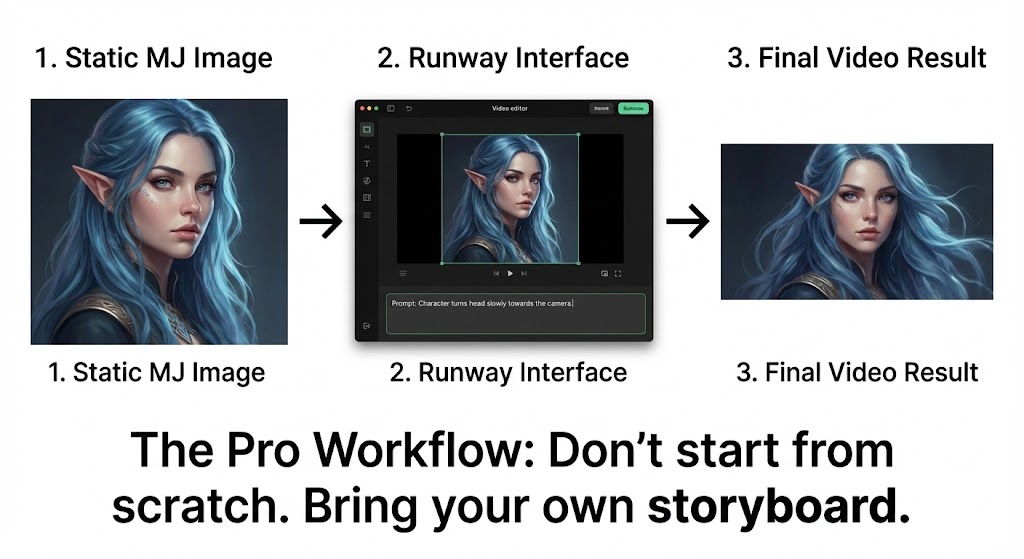
This is where professionals actually use it. Pure text-to-video is too random. It’s a slot machine. But if you take a beautiful image you generated in Midjourney (see our previous review) and upload it to Runway as the starting point, suddenly you have control. You set the scene, the lighting, the character. Then you tell Runway: “Make the water ripple” or “Make the character blink and smile.” This workflow (Midjourney -> Runway) is currently the gold standard for AI filmmakers.
3. Motion Brush (The “God Mode”)
For the longest time, AI video was uncontrollable. Everything moved at once. The background would warp when the character moved. Motion Brush fixed that. You literally paint over the area you want to move. Paint the sky? Only the clouds move. Paint a car? Only the car drives away. It gives you the granular control you need to make something actually usable in a real project.
The Honest Truth: It’s Expensive and Frustrating
Let’s cut through the hype. Runway is amazing, but it is also painful.
- The “Slot Machine” Effect is Real: Just like Midjourney, you will generate garbage. A lot of it. Characters might grow a third arm, or the camera will move in the wrong direction.
- It Burns Money: Video generation is computationally expensive. You get a certain amount of credits per month, and you will burn through them in a weekend if you get addicted. A failed 10-second clip still costs money. It feels like gambling sometimes.
- Consistency is Hard: Trying to get the same character in two different shots is nearly impossible without advanced tricks. It’s great for montage, bad for narrative storytelling (right now).
Pros and Cons
The Pros:
- Mind-Blowing Quality: The jump from Gen-2 to Gen-3 is staggering. The photorealism is terrifyingly good.
- Speed: Ideation is instant. You can visualize a scene in minutes instead of days.
- The Suite: Besides AI video, Runway has amazing traditional tools like “Green Screen” removal (rotoscoping) that are best-in-class.
The Cons:
- Expensive: Seriously, check the pricing plans. It’s an investment.
- Short Clips Only: You are currently limited to 5-10 second clips (though you can extend them). You aren’t generating a whole movie at once.
- Physics Hallucinations: It still doesn’t fully understand real-world physics. Things morph and float weirdly sometimes.
Who Is This For?
- Storyboard Artists & Directors: Visualize a scene instantly to show a client before filming the real thing.
- YouTubers & Content Creators: Need gorgeous B-roll of a specific thing you can’t film? Runway it.
- Ad Agencies: For rapid prototyping of concepts and mood films.
- Dreamers: Anyone who has a movie inside their head but no budget to make it.
Final Verdict
Runway is not replacing filmmakers today. It’s not consistent enough. But it is the most powerful “imagination engine” ever built. It forces you to become a better director because you have to articulate exactly what you want to see. If you have the budget and the patience to tolerate its flaws, it is an absolute game-changer. The future of filmmaking is being built right here, 10 seconds at a time.
My Rating: ⭐⭐⭐⭐⭐ (4.7/5) — Expensive and chaotic, but absolutely revolutionary.










