
Introduction: The Fear of “Server Error 500”
I used to live in the cloud. My whole life was on Google Docs and Notion. Then, one day, my internet went down right before a deadline. I stared at the spinning loading wheel of death, unable to access my own notes. I felt helpless.
That was the day I decided to take control back. I downloaded Obsidian. At first glance, it looked ugly. Just a black screen and a blinking cursor. No cute emojis, no drag-and-drop tables. But three months later? I feel like I’ve upgraded from a bicycle to a rocket ship. It’s not just an app; it’s an extension of my actual brain.
What is Obsidian?
Obsidian calls itself a “second brain,” but practically speaking, it is a local Markdown editor. Unlike Notion, which stores your data on their servers, Obsidian stores everything as plain text files (.md) directly on your hard drive. Even if the Obsidian company goes bankrupt tomorrow, your notes are safe. You can open them with Notepad. You own your data. Period.
The Features That Made Me a “Believer”
1. The Graph View (The Dopamine Hit)
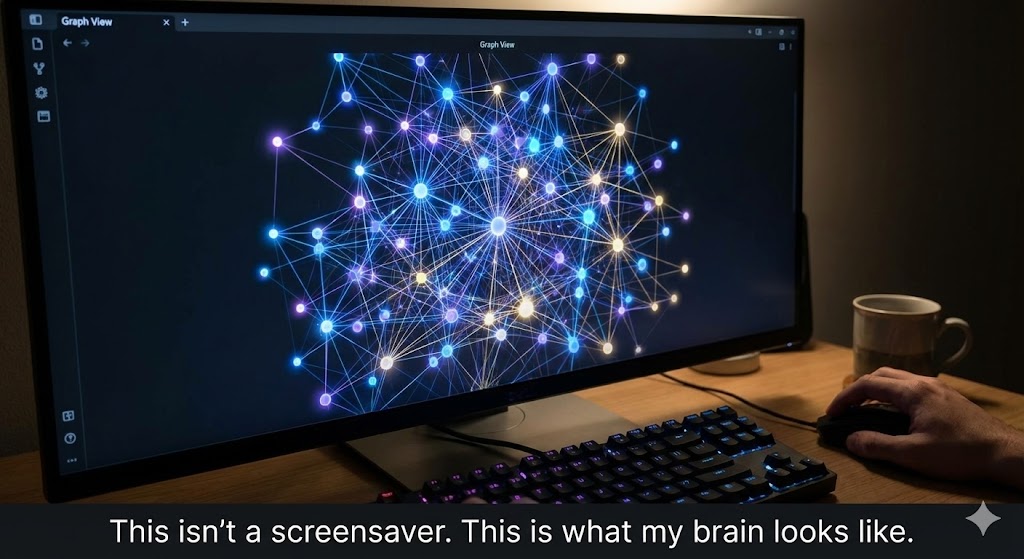
Okay, let’s be real. We all downloaded it for the Graph View. It visualizes the connections between your notes. As you write more, the graph grows. Seeing your isolated ideas slowly connect into a massive constellation of knowledge is incredibly satisfying. It makes you feel smarter than you actually are.
2. The [[Wiki-Links]] (Linking Your Thinking)
In standard folders, notes go to die. You file them away and forget them. In Obsidian, you type [[ and link to another note instantly. For example, while writing about “Productivity,” I can link to my note on “Coffee.” Suddenly, I’m not just storing facts; I’m building a web of ideas. This is how the human brain actually works—by association, not by folders.
3. Speed (It Screams)
Because the files are local text, Obsidian is fast. Not “kind of fast.” I mean “blink and you miss it” fast. There is no loading bar. No “Syncing…” message. You open it, you type, you close it. For a writer, this lack of friction is pure bliss.
The Honest Truth: The “Rabbit Hole” Danger
Here is the warning label: Obsidian is a tinker’s trap. It has thousands of community plugins.
- Want a Kanban board? There’s a plugin.
- Want it to look like a magical grimoire? There’s a theme.
- Want to visualize your tasks as a calendar? Plugin.
I spent my first week just installing plugins and tweaking CSS themes instead of writing a single word. It is very easy to get addicted to customizing the tool rather than using it. You have to force yourself to stop tweaking and start writing. Also, Syncing is not free. If you want seamless sync between iPhone and Mac, you either pay for “Obsidian Sync” ($8/month) or set up a hacky solution using iCloud or GitHub. It’s not as “plug-and-play” as Notion.
Pros and Cons
The Pros:
- You Own the Data: No vendor lock-in. Your files are yours forever.
- Offline First: Works perfectly on a plane, in a cave, or during an apocalypse.
- Future-Proof: Text files will still be readable in 50 years. Can you say the same for proprietary formats?
The Cons:
- Ugly Out of the Box: You need to spend time making it look good.
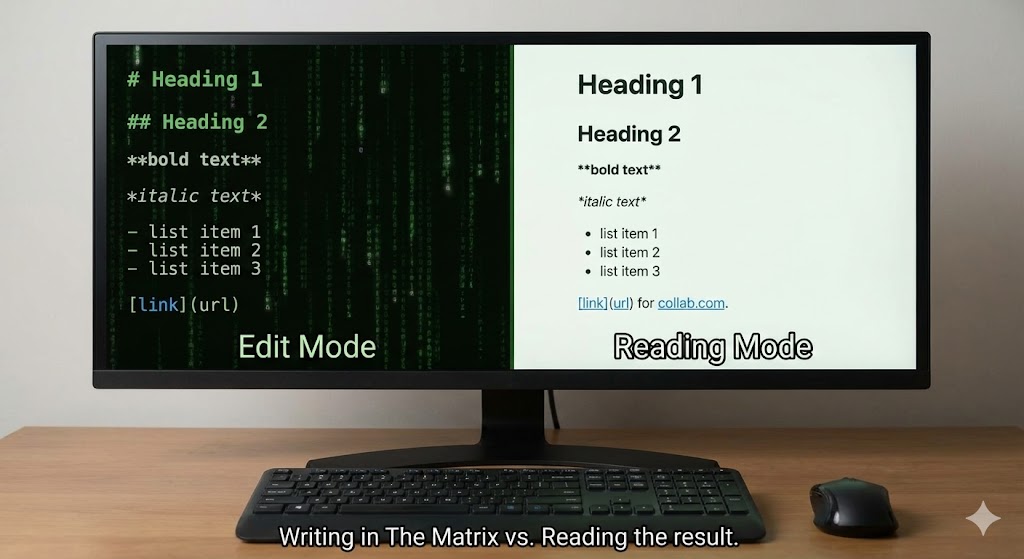
- Steep Learning Curve: You need to learn Markdown syntax (
#for headings,**for bold). It’s easy, but it scares non-techies. - Mobile Experience: The mobile app is powerful but feels a bit cramped compared to the desktop version.
Who Is This For?
- Writers & Researchers: Specifically those writing long books or theses (Zettelkasten method).
- Coders/Devs: If you love keyboard shortcuts and dark mode, you’ll feel at home.
- Privacy Freaks: If you don’t trust big tech companies with your diary.
Final Verdict
If Notion is a beautiful, furnished office where you collaborate with a team, Obsidian is a private, high-tech laboratory in your basement. It’s not for everyone. But if you value speed, privacy, and connecting ideas over making pretty dashboards, you will never go back.
My Rating: ⭐⭐⭐⭐⭐ (4.9/5) — The best tool for personal knowledge management, if you survive the initial learning curve.










