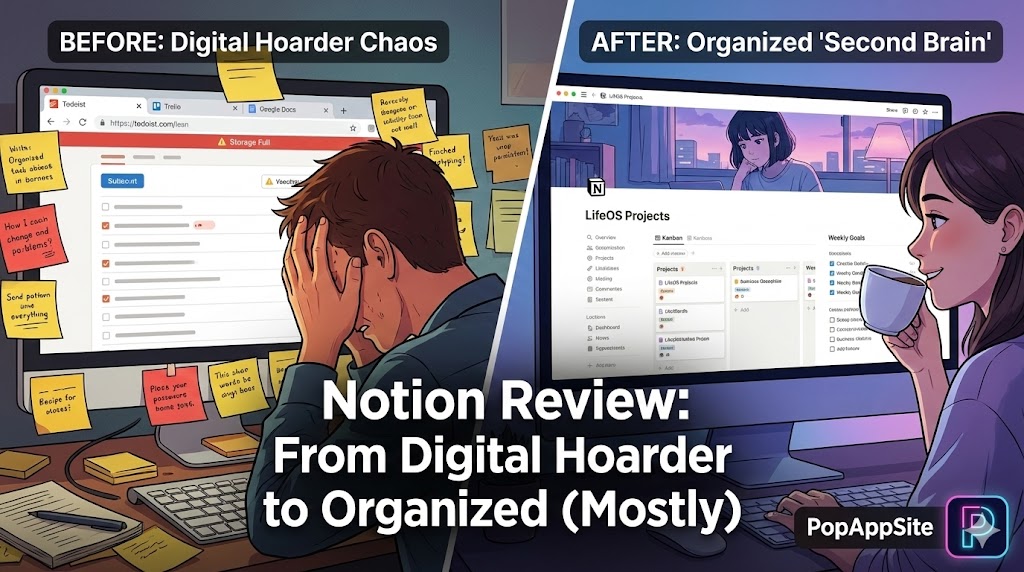
Introduction: The “Digital Hoarder” Crisis
Before Notion, my digital life was a dumpster fire. I had to-do lists in Todoist, random thoughts in Apple Notes, drafts in Google Docs, and project boards in Trello. I spent half my day just switching tabs. I felt like a digital hoarder.
Everyone kept telling me: “Just use Notion, bro. It changes everything.” So I downloaded it. I opened a blank page. The cursor blinked at me. I panicked and closed it.
It took me three tries to actually “get” it. But once I did? I deleted five other apps from my phone. Notion isn’t just an app; it’s a box of Legos. You can build a castle, a spaceship, or a shack. It’s entirely up to you.
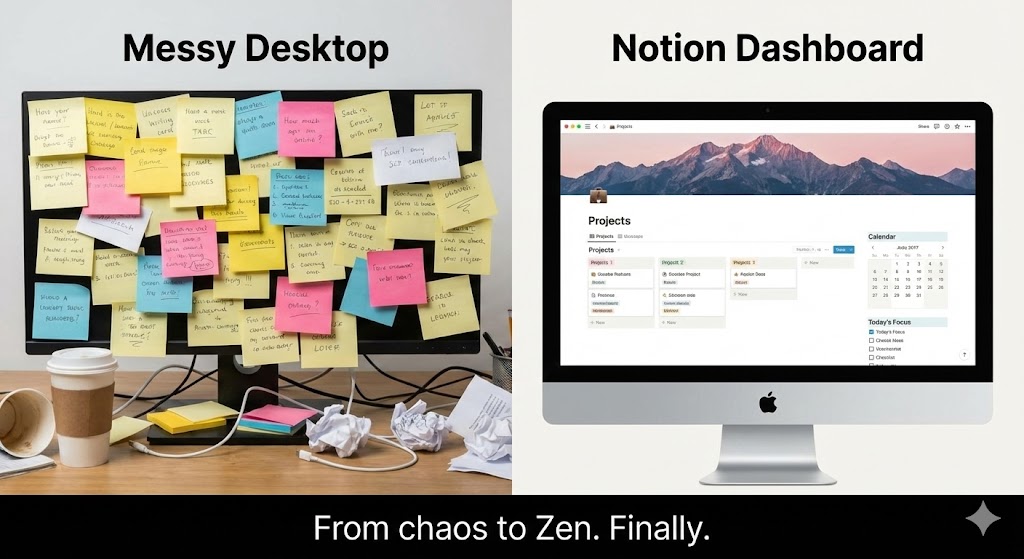
What is Notion?
Technically, it’s an “all-in-one workspace.” But I prefer to call it Minecraft for work. Everything in Notion is a “Block.” A paragraph is a block. An image is a block. A to-do list is a block. You can drag and drop these blocks anywhere. You don’t just “write” a document; you “build” a page.
The Features That Hooked Me
1. The “/” Command (Speed is Key)
I hate touching my mouse. It breaks my flow. In Notion, you just type /.
- Want a heading? Type
/h1. - Want a checklist? Type
/todo. - Want a table? Type
/table. It feels like coding, but for non-programmers. Once you memorize the shortcuts, you feel like a hacker in a movie, typing at light speed.
2. Databases (The “Aha!” Moment)
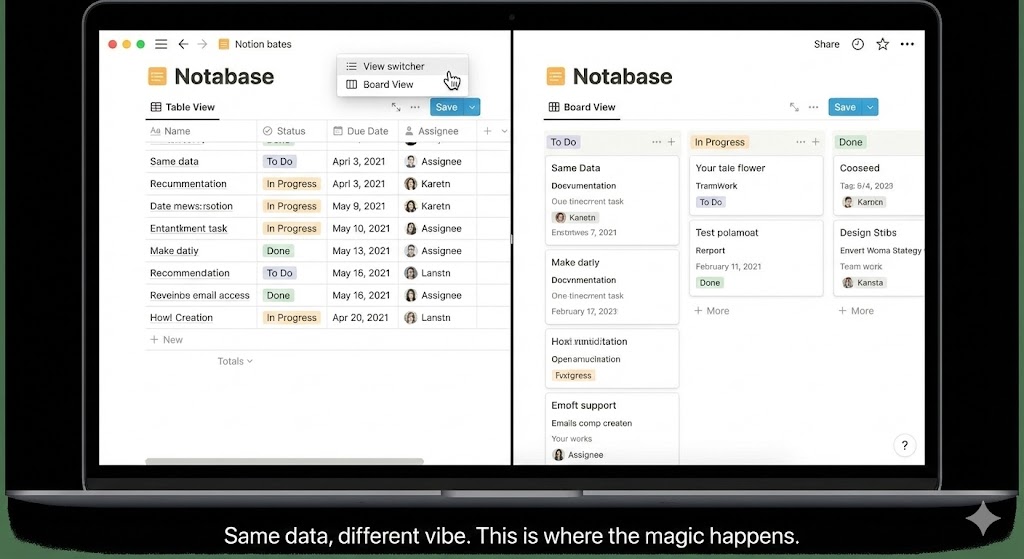
This is the feature that scares beginners, but it’s the superpower. I created a list of “Blog Post Ideas.” With one click, I turned that list into a Kanban Board (like Trello). With another click, I turned it into a Calendar. Same data, different views. I realized I could build my own custom CRM, habit tracker, and finance planner without writing a single line of code.
3. The “Aesthetic” Factor
Let’s be real. We all want our workspace to look pretty. Adding a cover image (usually a lofi anime chill vibe) and an icon to every page makes me want to open the app. It sounds superficial, but if your notebook looks ugly, you won’t use it. Notion makes me feel like a organized, aesthetic productivity guru (even if I’m not).
The Honest Truth: The “Notion Trap”
I have to be honest about the dark side. Productivity Porn is real. I once spent 4 hours designing the perfect weekly planner. I picked the perfect icons, the perfect color codes, and set up complex formulas. Guess how much work I actually did that day? Zero. Notion is so customizable that you can easily fall into the trap of organizing work instead of doing work. You need discipline to keep it simple.
Also, Offline Mode is still… meh. If you are on a plane with no Wi-Fi, Notion can be finicky. It’s better than it used to be, but don’t trust it with your life if the internet cuts out.
Pros and Cons
The Pros:
- True All-in-One: I really did replace Google Docs, Trello, and Excel (for simple stuff).
- The Community: There are thousands of free templates. You don’t need to build from scratch; just duplicate someone else’s “Second Brain” system.
- Free Plan is Generous: You can run your whole life on the free tier without hitting limits.
The Cons:
- The Learning Curve: It is steep. The blank page is terrifying for new users.
- Mobile App Speed: It’s gotten faster, but opening Notion on my phone still takes a second or two longer than Apple Notes. When I have a quick idea, that delay matters.
- Search Function: It’s okay, but sometimes hard to find a specific “block” buried in a sub-page.
Who Is This For?
- Students: For organizing lecture notes and syllabi. (The “Grade Calculator” templates are lifesavers).
- Freelancers: For managing client projects and invoices.
- ADHD Brains: Having everything in one place reduces the anxiety of “forgetting where I put that file.”
Final Verdict
Notion is the best productivity tool I have ever used, period. But it requires an upfront investment of time. You have to “move in” and unpack your boxes. If you just want to write a quick grocery list, use a post-it note. But if you want to organize your entire existence? Get Notion.
My Rating: ⭐⭐⭐⭐⭐ (4.8/5) — I’d give it a 5 if the Offline Mode was 100% reliable.










