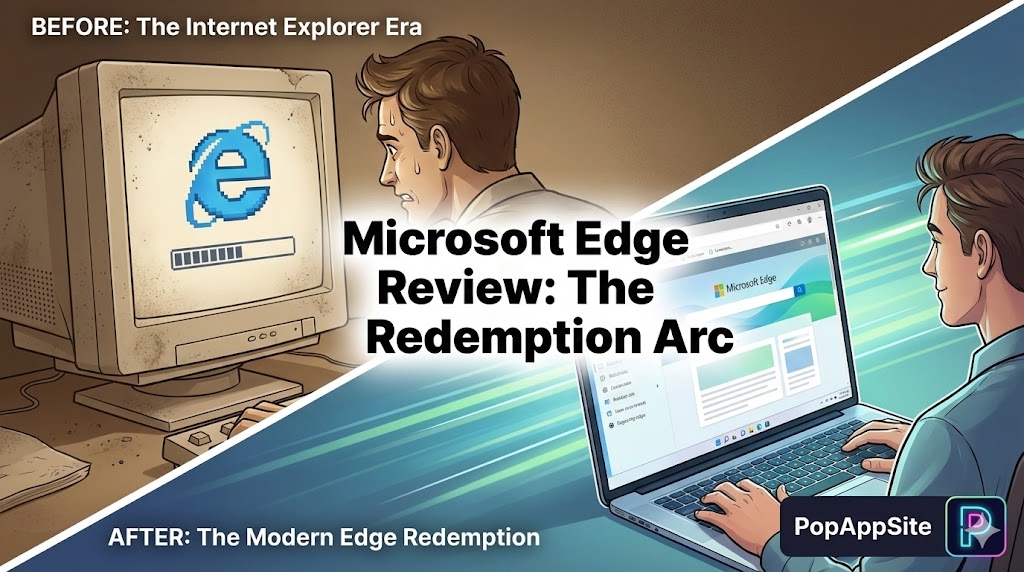
Introduction: The “Chrome Downloader” Grows Up
Let’s be honest. For a decade, the only purpose of Microsoft’s browser was to download Google Chrome. We all did it. You bought a new PC, opened “Internet Explorer” (or the early Edge), typed google.com/chrome, and never looked back. We laughed at it. We made memes about it. But recently, my laptop fans were screaming while running Chrome. My battery was dying in 2 hours. So, as a desperate experiment, I tried the new Microsoft Edge. I wanted to hate it. I expected it to be slow, clunky, and forced. Instead, I found something shocking: It is basically Chrome, but faster, prettier, and with better features. I feel like I’ve betrayed my old friend Google, but my RAM usage has never been lower.
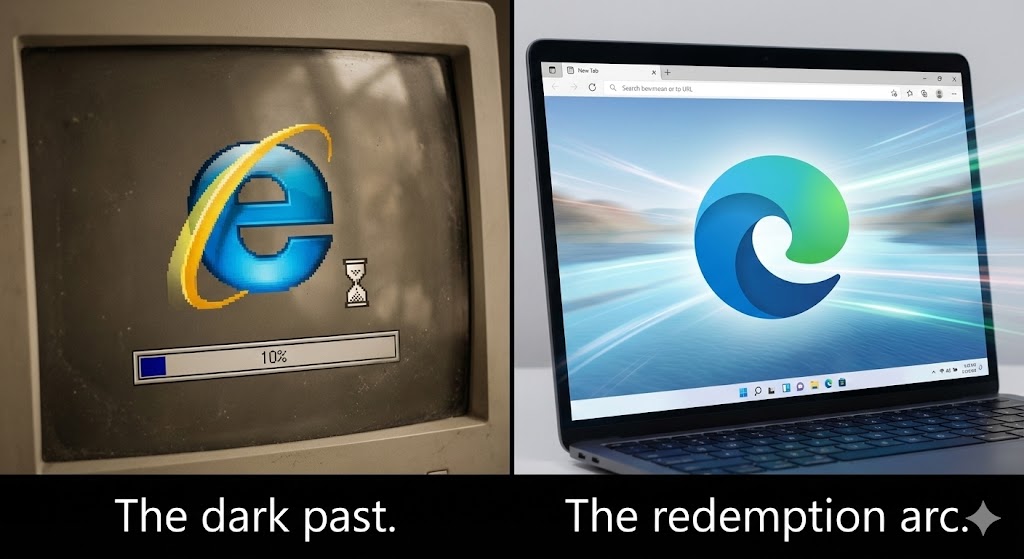
What is Microsoft Edge?
Here is the secret: Edge is built on Chromium. This means it runs on the exact same engine as Google Chrome.
- Does it support Chrome Extensions? Yes.
- Do websites load correctly? Yes.
- Do the DevTools work the same? Yes. It is Chrome, but stripped of Google’s tracking code and replaced with Microsoft’s optimizations. It’s like if someone took a heavy Toyota application, stripped out the heavy seats, and replaced them with racing gear. It’s the same car, just tuned differently.
The Features That Made Me Switch
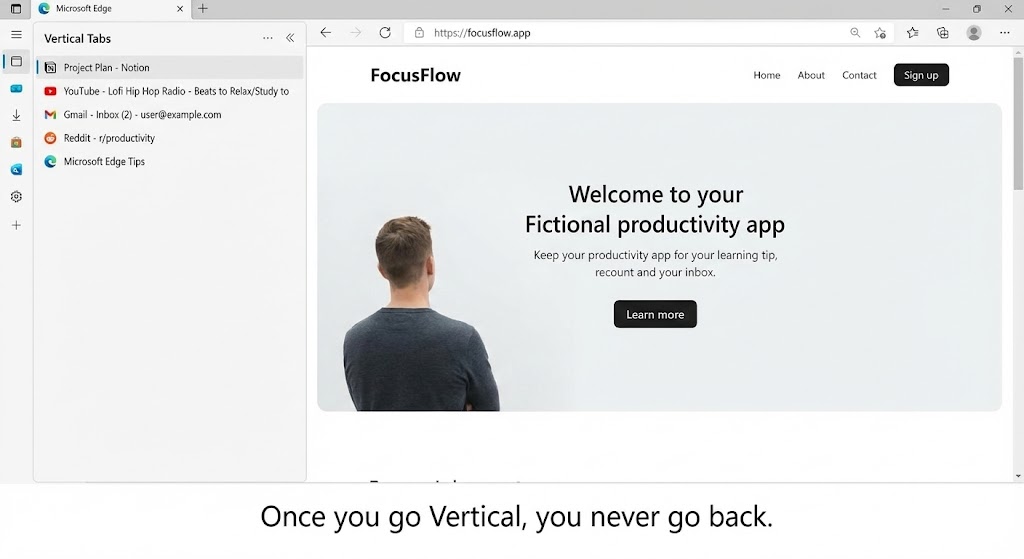
1. Vertical Tabs (The “Tab Hoarder” Cure)
If you are like me, you have 50 tabs open right now. In Chrome, these tabs shrink until they are tiny, unreadable slivers. You don’t know which one is YouTube and which one is your email. Edge has a button on the top left: Vertical Tabs. Click it, and boom—your tabs move to a sidebar on the left. You can read the titles! You can organize them! It uses the empty space on the side of your widescreen monitor (which is usually wasted anyway) instead of squishing everything at the top. Once you go Vertical, you can never go back to Horizontal. It feels barbaric.
2. Sleeping Tabs (The Battery Saver)
This is why my laptop loves Edge. If I leave a tab open (like a heavy Google Sheet) but don’t look at it for 5 minutes, Edge puts it to “sleep.” It fades out. It stops using CPU. It stops eating RAM. When I click it again, it wakes up instantly. Chrome claims to do this now, but Edge does it more aggressively and effectively. My Task Manager looks so much more peaceful now.
3. The Sidebar (Copilot & Tools)
I know, I know. “Bing is bad.” But having the Copilot (AI) sidebar right there is actually useful. I can be reading a long article, open the sidebar, and ask: “Summarize this page.” It does it instantly without me leaving the tab. There are also mini-tools like a calculator, unit converter, and World Clock that live in the sidebar. It feels like a Swiss Army Knife.
The Honest Truth: Microsoft is Clingy
However, using Edge comes with a price. Microsoft is incredibly annoying.
- The “Default Browser” Begging: Every time Windows updates, it asks: “Are you sure you don’t want to make Edge default?” YES, I ALREADY DID, SHUT UP.
- The Bloat: Out of the box, Edge is full of junk. “Shopping coupons,” “Buy Now Pay Later” popups, a news feed full of celebrity gossip on the homepage.
- The Fix: You have to spend the first 15 minutes digging through Settings to turn all this garbage off. Once it’s clean, it’s great. But the default experience is messy.
Pros and Cons
The Pros:
- Chrome Extensions: All your favorite Chrome plugins work perfectly.
- Performance: Uses significantly less RAM and battery than Chrome.
- Vertical Tabs: The best UI feature in any browser, period.
- PDF Reader: The built-in PDF viewer is surprisingly powerful (you can draw on it, read aloud, etc.).
The Cons:
- Marketing Aggression: Microsoft pushes its own services (Bing, OneDrive) very hard.
- Bloatware: Needs a lot of “decluttering” in the settings initially.
- Privacy: You are trading Google tracking for Microsoft tracking. Pick your poison.
Who Is This For?
- Laptop Users: If you need your battery to last an extra hour.
- Tab Hoarders: People who keep 20+ tabs open (Vertical Tabs will change your life).
- Students: The PDF tools and “Read Aloud” features are great for studying.
- Chrome Refugees: People who like Chrome but hate the lag.
Final Verdict
I owe Microsoft an apology. I mocked Edge for years. But in 2026, it is arguably the best browser on Windows. It is faster than Chrome, supports the same extensions, and offers better interface options (Vertical Tabs). If you can spend 10 minutes turning off the annoying “Shopping” features, you are left with a browser that is simply superior. Internet Explorer is dead. Long live Edge.
My Rating: ⭐⭐⭐⭐½ (4.6/5) — Better than Chrome, if you can ignore Microsoft’s desperation.










