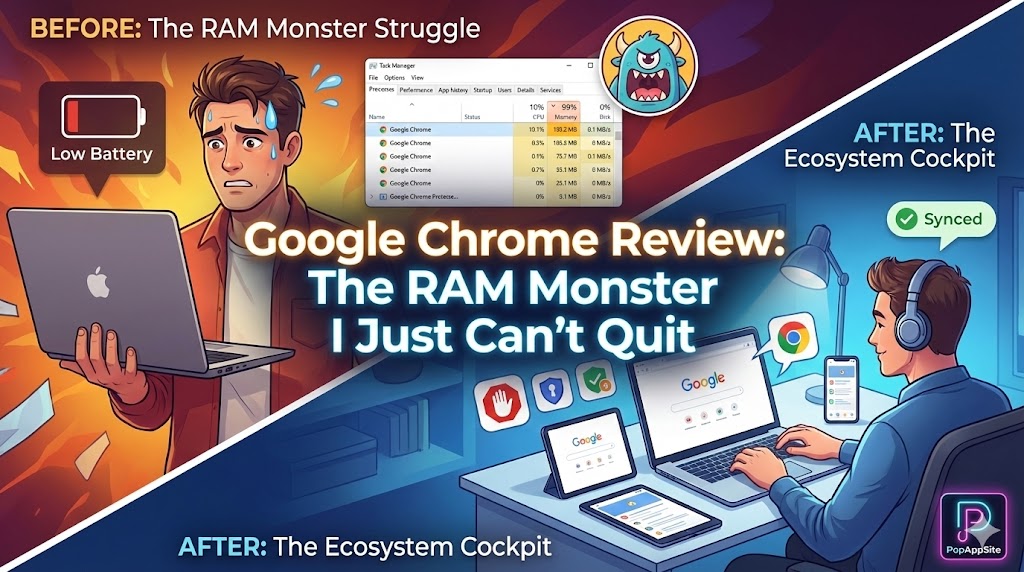
Introduction: The Toxic Relationship
I have tried to leave Google Chrome. Seriously, I have. I tried Edge because it’s lighter. I tried Firefox because I value my privacy. I tried Arc because I wanted to feel like a cool designer. But every single time, within a week, I come crawling back. Why? It’s not because Chrome is the fastest anymore. It’s definitely not because it’s lightweight (opening Chrome feels like asking my laptop to bench press 200lbs). I come back because it is home. My passwords are there. My 50 bookmarks are there. My weird, specific extensions are there. Chrome is like that old comfortable sofa that is slightly broken and smells like pizza, but you refuse to throw it away because it molded perfectly to your body shape.
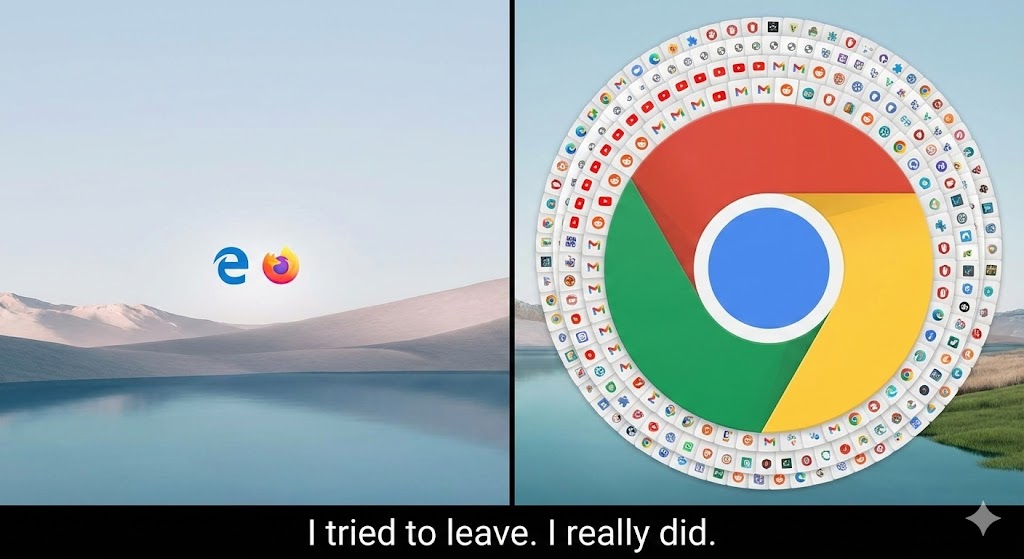
What is Chrome?
At this point, Google Chrome isn’t just a browser; it is the Operating System of the Internet. Built on the Chromium engine (which, ironically, now powers its rival, Edge), it is the standard by which all websites are measured. If a website looks broken in Safari, the developer blames Apple. If a website looks broken in Chrome, the developer panics and fixes it. That dominance means one thing for you: Stability. You almost never encounter a “compatible” issue when you use Chrome.
The Features That Keep Me Trapped
1. The Extension Ecosystem (The “Moat”)
This is the main reason I can’t leave. The Chrome Web Store is the App Store of the desktop world. I rely on specific extensions for my work: a color picker, a specific SEO toolbar, a JSON formatter, and of course, an ad blocker. While other browsers can run these extensions now, they often feel clunky or buggy. In Chrome, they are native citizens. My browser isn’t just a window to the web; it’s a customized cockpit of tools that I have curated over 10 years. Losing them feels like losing a limb.
2. Google Sync (The “Lazy” Factor)
I am lazy. I hate typing passwords. I hate looking up history on my phone that I viewed on my PC. Chrome’s sync is frighteningly good. I look up a restaurant on my laptop. I get in my car, open Maps on my phone, and it’s already there. I sign up for a new service on my desktop. I open my iPad, and the password auto-fills. Yes, I know I’m giving Google all my data. Yes, privacy advocates are screaming at me right now. But the convenience? It is addictive.
3. DevTools (F12) – For the Geeks
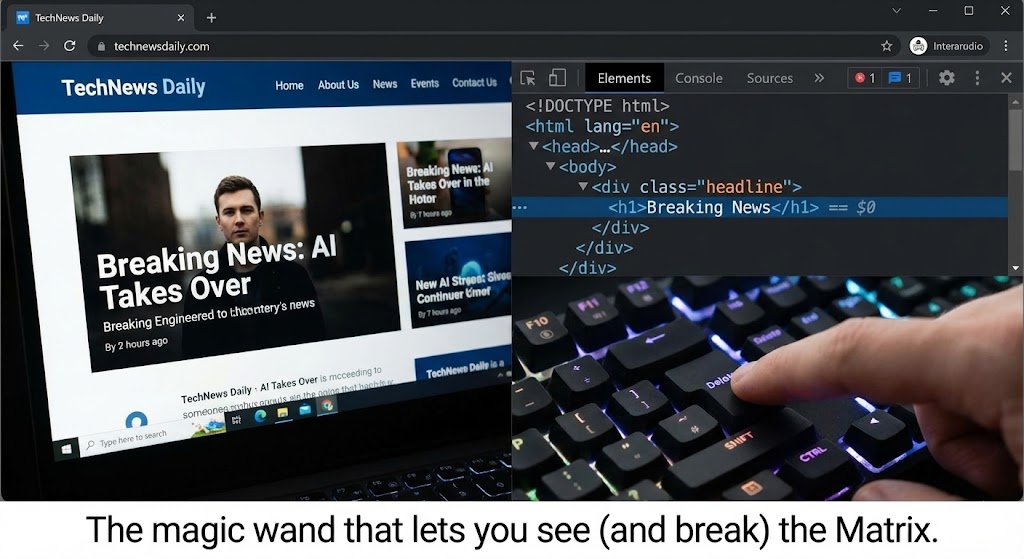
If you build websites or do digital marketing (like me), pressing F12 is muscle memory. Chrome’s Developer Tools are the industry standard. Whether I’m debugging a broken layout, checking network requests, or just editing the text on a website to prank my boss, the Inspector tool is unparalleled. Other browsers have copied it, but it never feels quite right. It’s like typing on a keyboard with the keys slightly shifted.
The Honest Truth: The “RAM Hog” Meme is Real
We have to talk about the fan noise. Open 10 tabs in Chrome, and your laptop fans start spinning like they are preparing for takeoff. Open Task Manager, and you will see:
- Google Chrome (15)
- Google Chrome (12)
- Google Chrome (8) Why does it need 4GB of RAM to display a Wikipedia page? Google says they are working on “Memory Saver” modes (and the new features in 2025/2026 have helped a bit), but let’s be real: Chrome is resource-hungry. If you have an old laptop with 8GB of RAM, Chrome will eat it for breakfast and ask for seconds.
Pros and Cons
The Pros:
- It Just Works: Every website is built for Chrome first.
- Sync: Seamless transition between Phone, Tablet, and PC.
- Extensions: The library is endless.
- Translation: The built-in Google Translate for foreign websites is still the best in class.
The Cons:
- RAM Usage: It is heavy. It kills battery life on laptops.
- Privacy: You are basically living inside Google’s house. They see everything.
- Monopoly: It’s becoming bloated with features nobody asked for (like the weird side-panel shopping insights).
Who Is This For?
- Developers:
F12is your best friend. - Power Users: Who need specific extensions to function.
- Android Users: The integration is seamless.
- People with 16GB+ RAM: If you have the hardware, the heaviness doesn’t matter.
Final Verdict
Google Chrome is like a high-maintenance partner. It takes a lot of energy (battery), it demands a lot of space (RAM), and it knows all your secrets (privacy). But it is also reliable, smart, and handles everything you throw at it. I might flirt with other browsers, but until someone else builds an extension library this good, I’m stuck here. Sorry, laptop battery. We’re going in.
My Rating: ⭐⭐⭐⭐ (4.5/5) — The heavy, hungry, indispensable king of the web.










