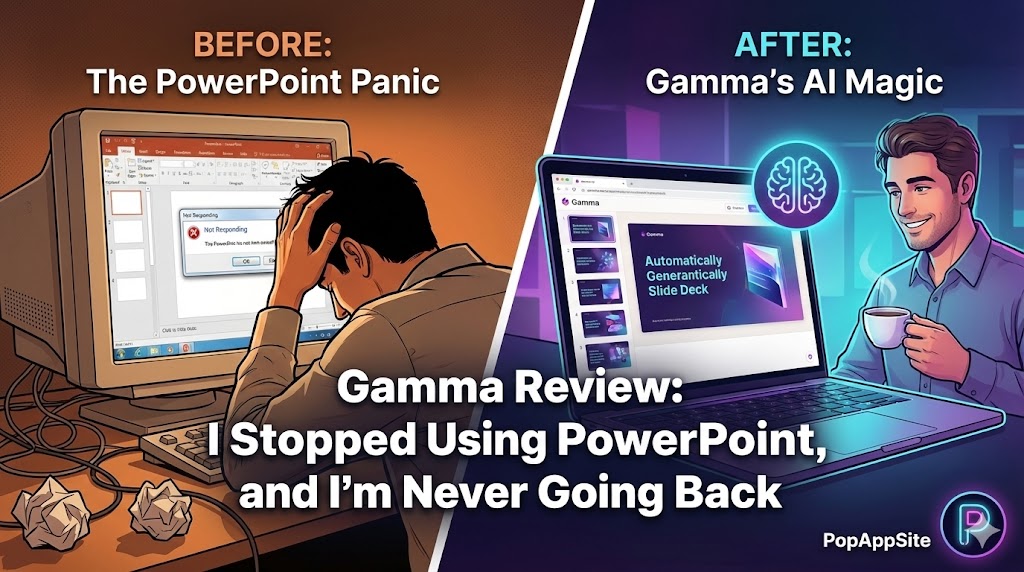
Introduction: The “Sunday Night” Panic
We’ve all been there. It’s Sunday night, you have a presentation due Monday morning, and you are staring at a blank PowerPoint slide. The cursor is blinking. You type a title. You hate the font. You change the background. Two hours pass, and you still have… one slide.
I used to dread presentations. I’m a writer, not a designer. Aligning text boxes makes me want to scream.
Then I stumbled upon Gamma. It promised to generate entire slide decks from a simple text prompt. “Yeah, right,” I thought. “Probably looks like garbage.”
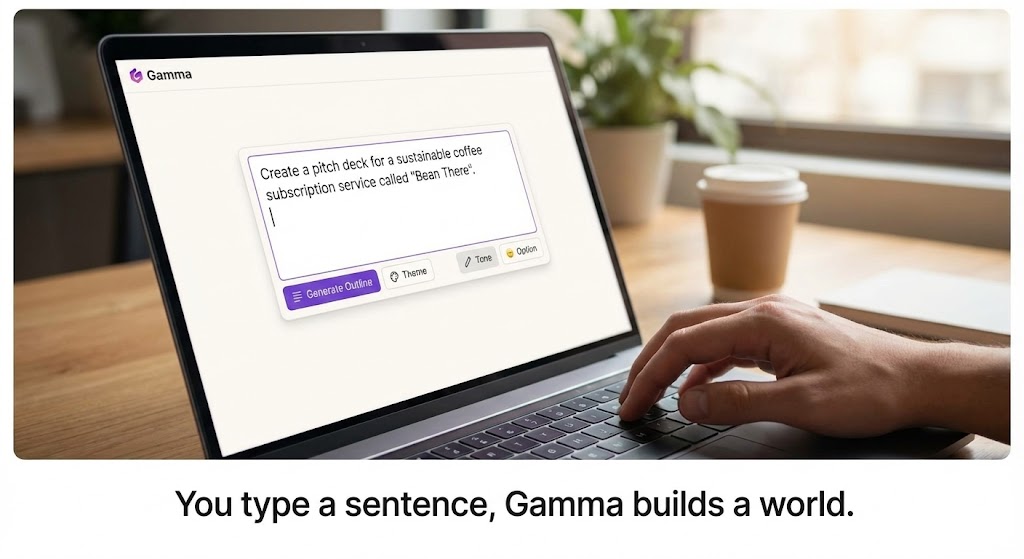
I tried it. I typed: “Pitch deck for a sustainable coffee subscription service.” 30 seconds later, my jaw hit the floor. It didn’t just give me text; it gave me a fully designed, beautiful, interactive presentation. It felt like cheating.
What is Gamma?
Gamma is a new medium for presenting ideas. It’s not quite a doc, not quite a slide deck. It’s powered by AI that builds the presentation for you.
Unlike PowerPoint or Google Slides, where you push pixels around a canvas, in Gamma, you act like a Director. You tell the AI what you want (“Make it shorter,” “Add a column here,” “Change the image”), and it executes instantly.
The Features That Saved My Sanity
1. “Text to Deck” (The Magic Trick)
This is the killer feature. You can paste an entire outline, a messy Word doc, or just a one-sentence idea, and Gamma turns it into a polished deck. It breaks down the text, finds relevant stock images (or AI-generates them), picks a color theme, and arranges the layout. Is the content perfect? No, you have to edit it. But it gets you 90% of the way there in under a minute.
2. The “Theme Switcher”
In PowerPoint, if you want to change the design, you usually break everything. Fonts get messed up, images stretch. In Gamma, you click “Themes” on the right, pick a new one (e.g., “Dark Mode” or “Soft Pastels”), and the entire deck restructures itself flawlessly. It’s responsive design for slides.

3. Embed Anything
PowerPoint hates the internet. Trying to embed a live website or a TikTok video usually leads to crashes. Gamma is web-native. You can embed a live Typeform, a YouTube video, a Tweet, or even a Miro board directly into the slide. When you present, you can actually interact with these embeds.
The Honest Truth: Gamma vs. PowerPoint
I know what you are asking: “Can I delete PowerPoint?”
The Answer: Almost.
- For Creative/Business Pitches: Gamma wins, hands down. It’s faster and looks more modern.
- For Printing: Gamma is okay, but it exports to PDF.
- For “Pixel Perfect” Control: If your boss demands that the logo be exactly 20px from the left, stick to PowerPoint. Gamma is about speed and flow, not pixel-pushing.
Pros and Cons
The Pros:
- Insane Speed: I can finish a 10-slide deck in 15 minutes. That used to take me 4 hours.
- Beautiful Defaults: It is genuinely hard to make an ugly Gamma presentation. The templates are top-tier.
- Web-First: Sending a link is so much better than attaching a 50MB PPT file to an email.
The Cons:
- Export Issues: You can export to PowerPoint (.pptx), but sometimes the formatting breaks, and the text becomes non-editable images. It’s getting better, but not perfect.
- AI “Fluff”: Sometimes the AI writes very generic corporate jargon. You must read through and rewrite the text to sound like a human.
Who Is This For?
- Founders: For pitch decks that need to look expensive but cost $0 to make.
- Students: You will ace your class presentations. Period.
- Salespeople: Sending a personalized Gamma link to a prospect looks way more impressive than a generic PDF.
Final Verdict
Gamma turned my least favorite task (making slides) into something I actually enjoy. It removes the friction of design so you can focus on the story. If you value your time, give the free version a spin. Just be warned: you’ll be spoiled.
My Rating: ⭐⭐⭐⭐⭐ (4.9/5) — The future of presentations is here, and it doesn’t involve manually resizing text boxes.










