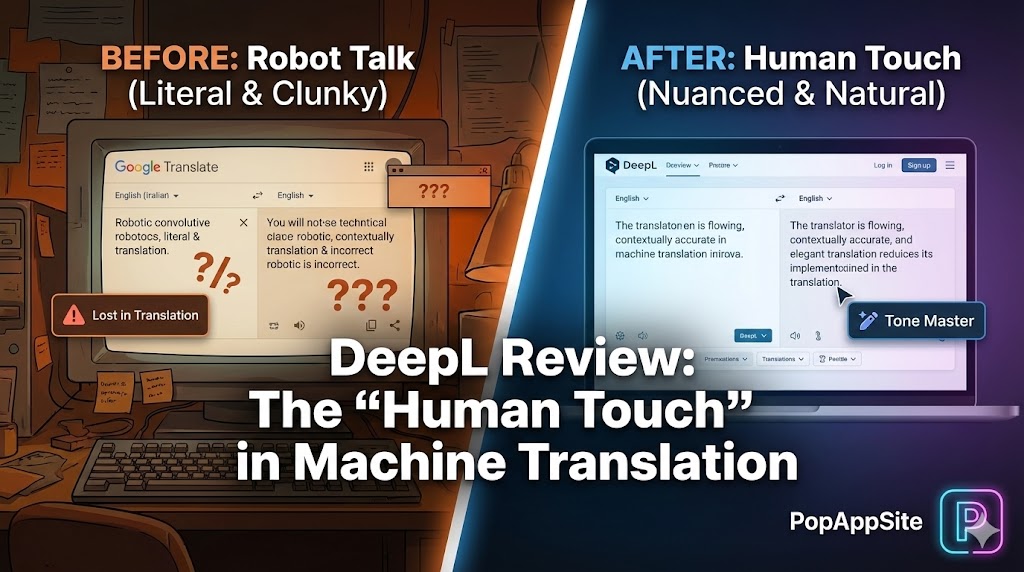
Introduction: Why Google Translate Used to Make Me Cringe
Let’s be honest, for years, “machine translation” meant Google Translate. And for basic stuff, it was fine. But if you ever tried to translate a nuanced email, a poem, or anything with actual feeling in it, you’d get something so clunky and literal it would make you cringe. It felt like a robot trying to speak Shakespeare.
I work with international clients all the time, and professional communication is key. I needed something better. That’s when I heard about DeepL Translator. After using it daily for over a year (I even have the Pro version), I can confidently say: DeepL isn’t just a translator; it’s an interpreter.
What is DeepL Translator?
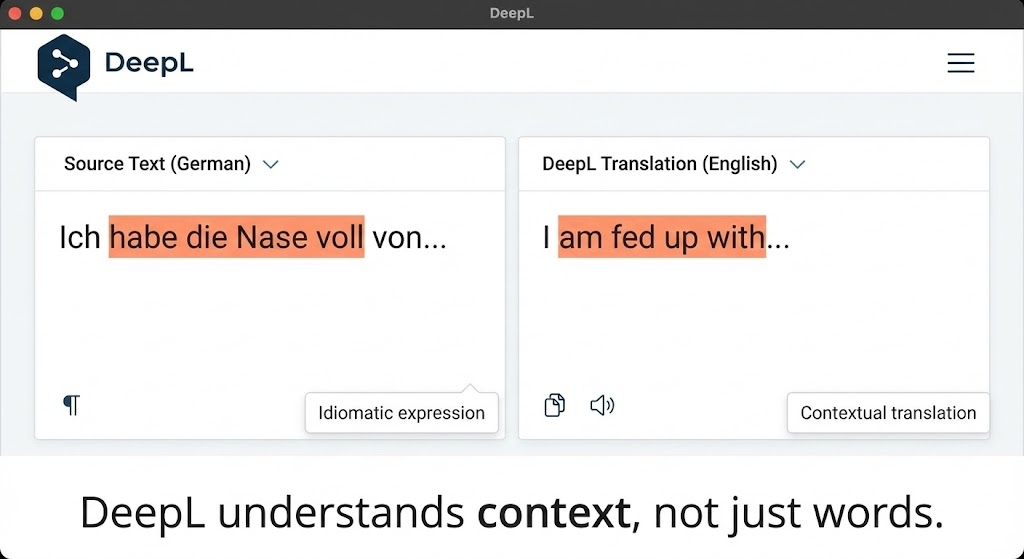
DeepL is an AI-powered translation service known for its uncanny ability to produce natural-sounding, contextually accurate translations. Unlike older translation models that focused on word-for-word replacement, DeepL uses advanced neural networks to understand the meaning and intent behind the text.
Think of it this way: Google Translate gives you the dictionary definition. DeepL gives you what a native speaker would actually say.
The Features That Changed My Workflow
1. The “Tone Master” (Formal vs. Informal)
This is a game-changer for professional communication. When translating from, say, English to German, I can choose between a formal (“Sie”) or informal (“du”) tone. This is huge! Sending a formal email with informal language can be a massive faux pas, and DeepL saves me from those embarrassing moments.
2. Full Document Translation (PDFs, Word Docs)
I used to dread getting multi-page PDFs in French. Copy-pasting paragraph by paragraph was a nightmare. DeepL allows me to upload an entire PDF or Word document, and it translates the whole thing while preserving the original formatting. It’s not always perfect, but it saves me hours of manual formatting.

3. The Glossary (Custom Terminology)
For specialized fields (like tech or legal), certain terms must be translated consistently. DeepL Pro allows you to create a custom glossary. So, if “Cloud Computing” needs to be translated as “云技术” every single time, DeepL will learn and apply it. No more manual corrections!
DeepL vs. Google Translate: Why I Made the Switch
- Nuance and Flow: DeepL just flows better. Sentences feel more natural, especially with complex structures.
- Contextual Understanding: It handles idioms and cultural nuances surprisingly well.
- Less Editing: I spend significantly less time proofreading and correcting DeepL’s output compared to Google’s.
Pros and Cons
The Pros:
- Unparalleled Naturalness: The translations read like they were written by a human.
- Document Preservation: Translates entire files while keeping formatting.
- Tone Adjustment: Crucial for professional and social interactions.
The Cons:
- Fewer Languages (Compared to Google): DeepL supports fewer languages than Google Translate. While it covers major ones, you might hit a wall with very niche languages.
- Pricey Pro Version: The free version is great, but the advanced features (like unlimited document translation and glossaries) require a subscription.
- No Offline Mode: You always need an internet connection.
Who Is This For?
- Professionals: Anyone dealing with international clients, documents, or communication where accuracy and tone are critical.
- Writers & Researchers: For quickly understanding foreign articles or expanding their reach.
- Language Learners: To see how native speakers structure sentences.
Final Verdict
DeepL Translator isn’t just another translation tool; it’s a bridge builder. It empowers you to communicate across language barriers with a level of nuance and professionalism that was previously impossible without a human translator. If you need more than just a literal translation, DeepL is absolutely worth every penny.
My Rating: ⭐⭐⭐⭐⭐ (4.8/5) — Deducted 0.2 points for the limited language selection compared to its main rival.










