Introduction: My Love-Hate Relationship with the “Donut”
If you have ever tried to learn 3D, you know “The Donut.” The rite of passage. The tutorial by Blender Guru that everyone starts with.
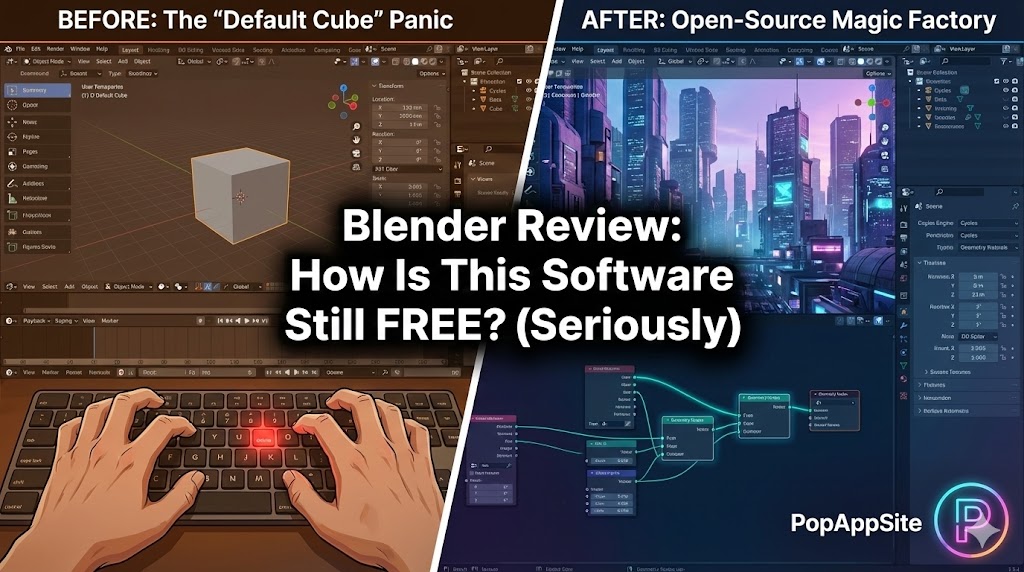
I’ll be honest: The first time I downloaded Blender five years ago, I opened it, saw about 5,000 buttons, panicked, and immediately uninstalled it. It looked like the cockpit of a spaceship, and I didn’t even know how to fly a kite.
But I came back. Why? Because the alternatives (Maya, Cinema 4D) cost thousands of dollars a year. Blender costs $0. Now, after hundreds of hours of rendering (and crashing), I can tell you: Blender is not just a “free alternative.” In 2026, it is a beast that rivals the industry giants.
What is Blender?
Blender is an open-source 3D creation suite. That sounds boring. In reality, it’s a magic factory. It does modeling, rigging, animation, simulation, rendering, compositing, and motion tracking. It even does video editing and 2D animation.
It is developed by the Blender Foundation, a non-profit. This means no corporate shareholders, no subscription fees, and no “Pro version” locked behind a paywall. You get the whole thing.
The Features That Blew My Mind
1. Eevee & Cycles (The Rendering Engines)
This is where the magic happens.
- Cycles is the heavy lifter. It traces light rays to create hyper-realistic images. It takes time, but the results look like a photograph.
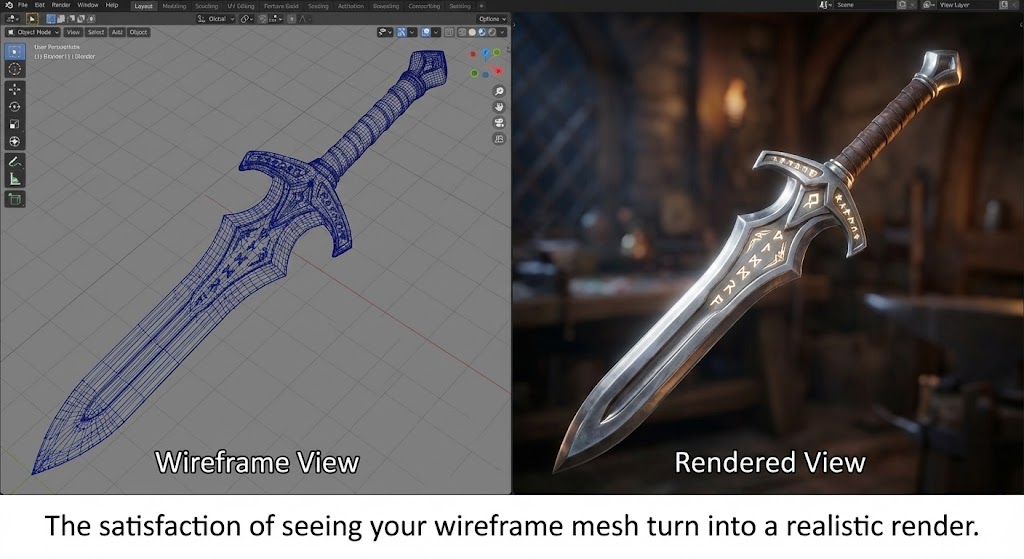
- Eevee is the speed demon. It renders in real-time (like a video game engine). I remember switching to “Rendered View” for the first time and seeing my ugly grey blob turn into realistic gold. That dopamine hit is addictive.
2. The “Everything Nodes”
Blender has moved towards “Geometry Nodes.” It allows you to build complex things (like a procedural building or a field of grass) using math and logic instead of placing every brick manually. Warning: This part makes my brain hurt. It feels more like programming than art, but the power is undeniable.
3. The Community (The Secret Weapon)
Because Blender is free, the community is massive. If you get stuck (and you will), you can Google “how to make a hole in a sphere blender,” and you will find 50 videos and 200 Reddit threads explaining it. You are never alone in your confusion.
The “Elephant in the Room”: The Learning Curve
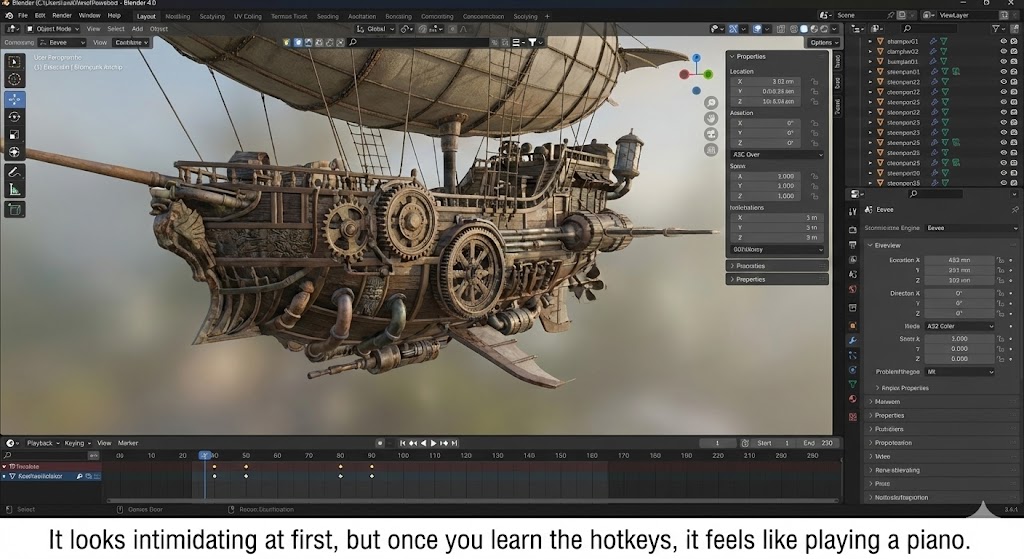
Let’s not sugarcoat it: Blender is hard. It relies heavily on Hotkeys.
- Want to move? Press
G. - Rotate? Press
R. - Scale? Press
S. - Extrude? Press
E.
At first, you will feel like your fingers are tied in knots. You will accidentally delete your model. You will scream at your monitor. But once muscle memory kicks in, you become incredibly fast. It feels like playing an instrument.
And yes, we all do the ritual: Open Blender -> Select the Default Cube -> Delete it -> Add a new Cube. Don’t ask why, it’s just the law.
Pros and Cons
The Pros:
- FREE: Did I mention it’s free? It saves you roughly $2,000/year compared to industry standards.
- All-in-One: You don’t need five different programs. You can sculpt, texture, and render all in one window.
- Constant Updates: The developers are hyper-active. New features drop every few months.
The Cons:
- Crashes: It happens. Especially when you run out of VRAM. Ctrl+S is your best friend.
- UI Density: It is overwhelming for beginners. There are menus inside menus inside menus.
- Industry Standards: While indie studios love Blender, big Hollywood studios often still require Maya or Houdini for their pipelines.
Who Is This For?
- Indie Game Developers: It pairs perfectly with Unity or Unreal Engine.
- YouTubers/Content Creators: For making those cool 3D intros or motion graphics.
- Hobbyists: If you just want to make cool art without spending a dime.
Final Verdict
Blender is the single best piece of open-source software ever created. Period. It demands your patience, but it rewards you with infinite creative power. If you have a decent computer and a free weekend, download it. Just don’t give up when you can’t figure out how to move the camera.
My Rating: ⭐⭐⭐⭐⭐ (5/5) — The only software where “free” doesn’t mean “cheap.”










