Introduction: Why I Stopped Using Free Ad Blockers
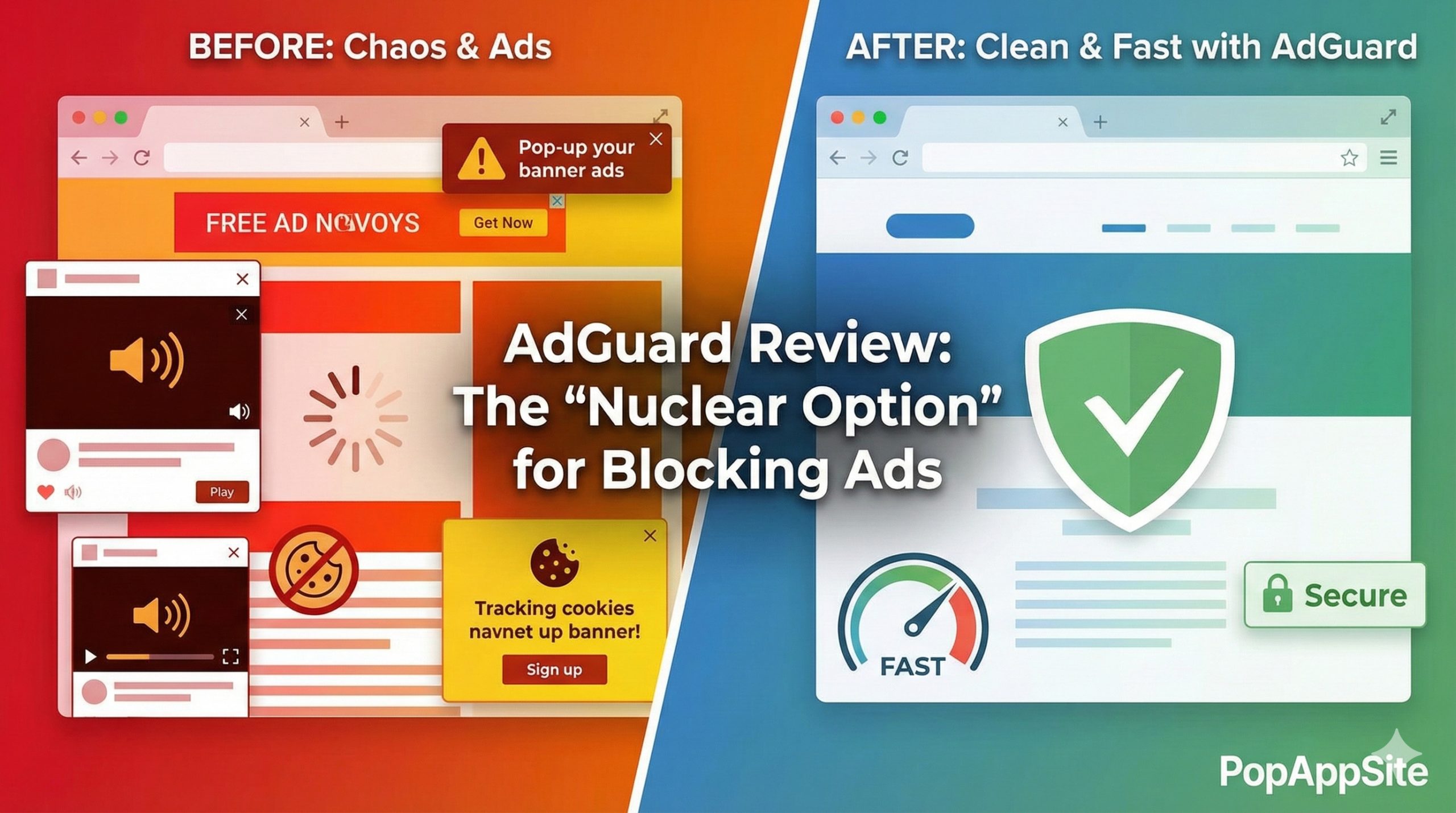
Let’s be real: browsing the internet in 2026 feels like walking through a minefield. You click one link, and suddenly three pop-ups appear, a video starts blasting audio, and you can’t find the “X” button to save your life.
For years, I was a die-hard fan of free browser extensions. They were “good enough.” But then I started noticing something: ads were sneaking through on YouTube, and my phone apps were still full of garbage.
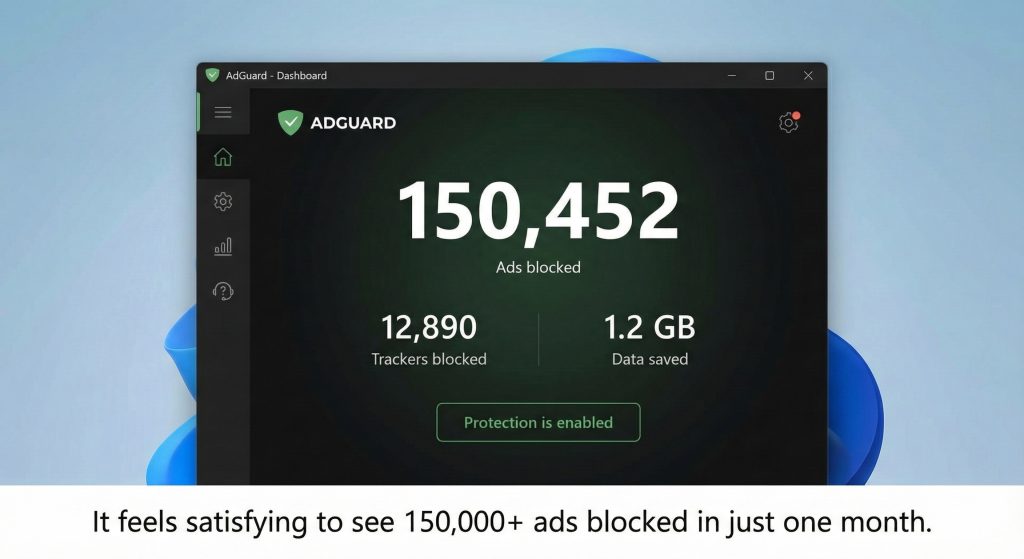
I decided to try AdGuard (the full desktop app, not just the extension). After running it for 6 months on my PC and Android phone, here is my honest take: It’s the best money I’ve ever spent on software.
What makes AdGuard different?
Most people think AdGuard is just another Chrome extension. It’s not.
The standalone AdGuard application works at the network level. This means it filters traffic before it even reaches your browser.
- The Big Difference: It blocks ads in every app, not just Chrome or Edge. It cleans up Spotify (web player), uTorrent, and even those annoying banners in free Windows software.
The Features That Actually Matter
1. “Stealth Mode” (Goodbye, Creepy Ads)
You know how you search for “running shoes” once, and then shoe ads follow you around the internet for three weeks? That drives me nuts. AdGuard’s Stealth Mode strips away tracking parameters from URLs. Since I turned it on, those creepy “stalker ads” have basically disappeared.
2. Cosmetic Filtering (fixing the ugly holes)
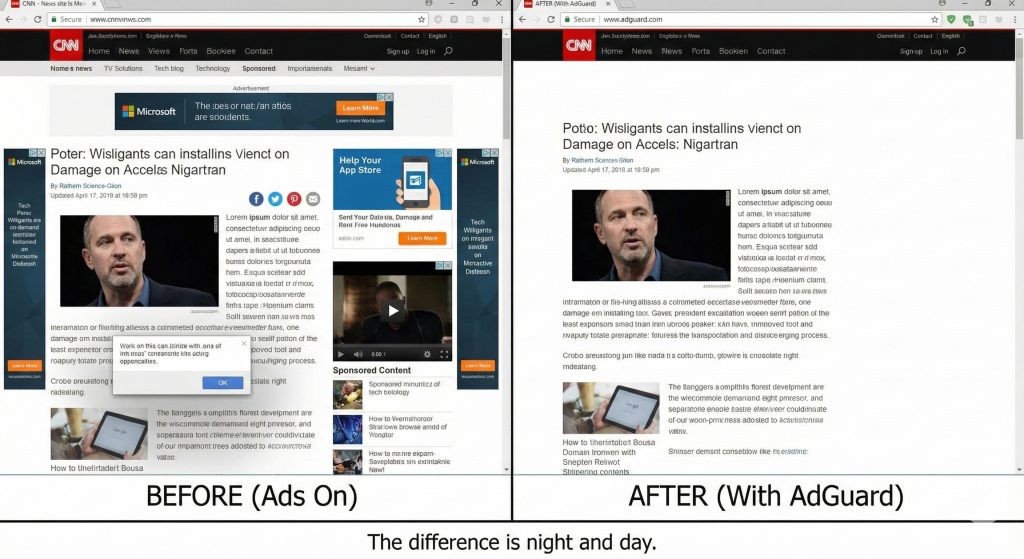
Some ad blockers remove the ad but leave a giant, ugly white box where the banner used to be. AdGuard is smart enough to “collapse” the page elements, so the website looks clean, like the ad was never there.
3. The “Assistant” Button
On the rare occasion an ad sneaks through (it happens), you see a little green shield icon in the corner. You click it, select “Block this element,” and boom—it’s gone forever. It feels very empowering.
The Elephant in the Room: AdGuard vs. uBlock Origin
I know what you are thinking: “Why pay for AdGuard when uBlock Origin is free?”
I love uBlock Origin. It is fantastic. But here is why I switched:
- System-wide blocking: uBlock only lives in your browser. AdGuard protects my whole computer.
- Android Experience: On Android, AdGuard blocks ads in games and apps (if you install the APK from their site, not the Play Store version). That is a game-changer.
Pros and Cons
The Pros:
- Performance Boost: Web pages load way faster because my computer isn’t downloading heavy video ads.
- Lifetime License: You can often find “Lifetime” deals. I hate monthly subscriptions, so paying once for permanent access is a huge win.
- Parental Control: You can set it to block adult content automatically—great if you share a PC with kids.
The Cons:
- It Breaks Some Sites: Sometimes a banking site or a login page won’t load because AdGuard is too aggressive. You have to pause protection for 30 seconds to log in. It’s annoying, but manageable.
- Not Free: Unlike extensions, the full power features cost money.
Final Verdict
If you are a casual user, a free extension might be enough. But if you are tired of the internet looking like a chaotic mess of banners and trackers, AdGuard is the nuclear option. It gives you back control of your screen.
My Rating: ⭐⭐⭐⭐⭐ (4.9/5) — I deducted 0.1 because pausing it for banking sites is a minor hassle.










