Introduction: The “Mixed Ecosystem” Nightmare
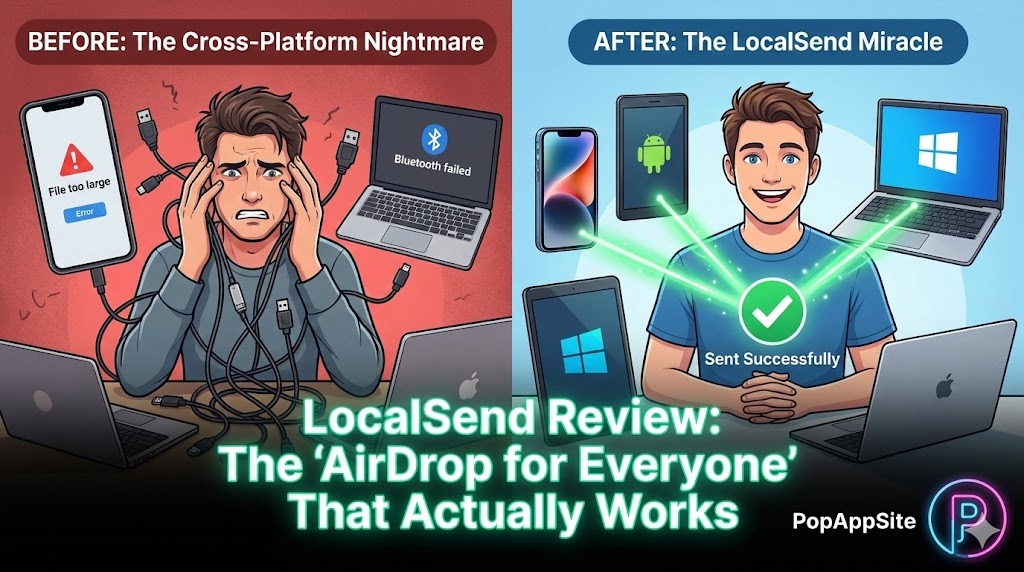
It’s 2026. Why is moving a photo from my phone to my computer still so hard? Here is my reality: I have an iPhone. I use a Windows PC for work. I have an old Android tablet for reading comics. If I want to send a 4K video from my iPhone to my Windows PC, what are my options?
- Email it to myself? (File size limit: 25MB. Useless.)
- Upload to Google Drive, then download it? (Slow, and compresses the quality.)
- Find a Lightning cable? (Where is that cable? It’s always missing.) If you live entirely in Apple’s walled garden, AirDrop is magic. But for the rest of us living in the cross-platform real world, file transfer is a daily headache. I was tired of the friction. I wanted AirDrop, but for everything. Then I found LocalSend. And honestly? I felt stupid for not finding it sooner.
What is LocalSend?
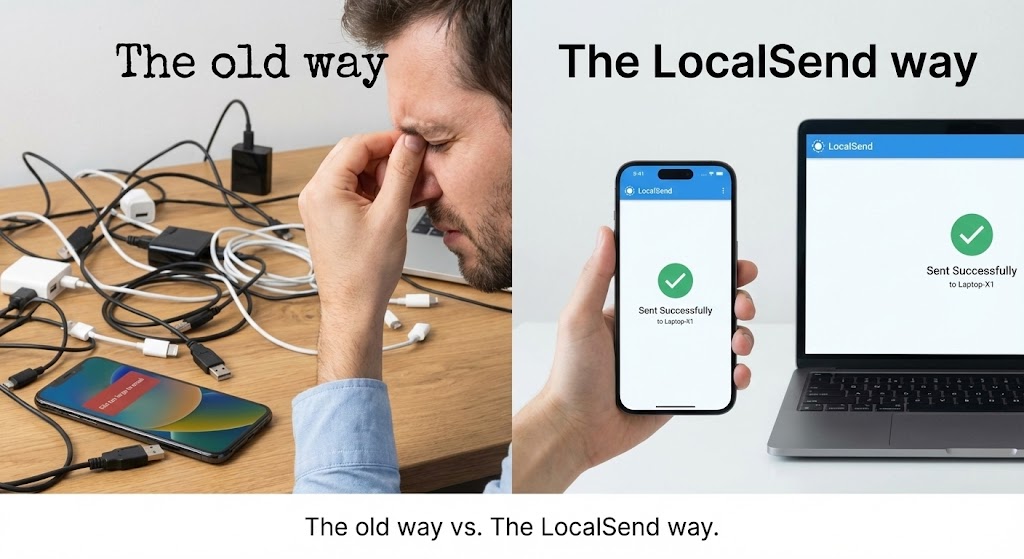
LocalSend is a free, open-source app that does one thing perfectly: it zaps files between devices on the same Wi-Fi network. Think of it as AirDrop that doesn’t care what brand of phone or computer you own. It works on iOS, Android, macOS, Windows, and Linux. There are no accounts to create. No cloud servers involved. No internet required. It just uses your local router to create a direct, high-speed pipe between your devices. It’s simple, private, and ridiculously fast.
The Features That Ended My Frustration
1. The Cross-Platform Miracle (Breaking the Walls)
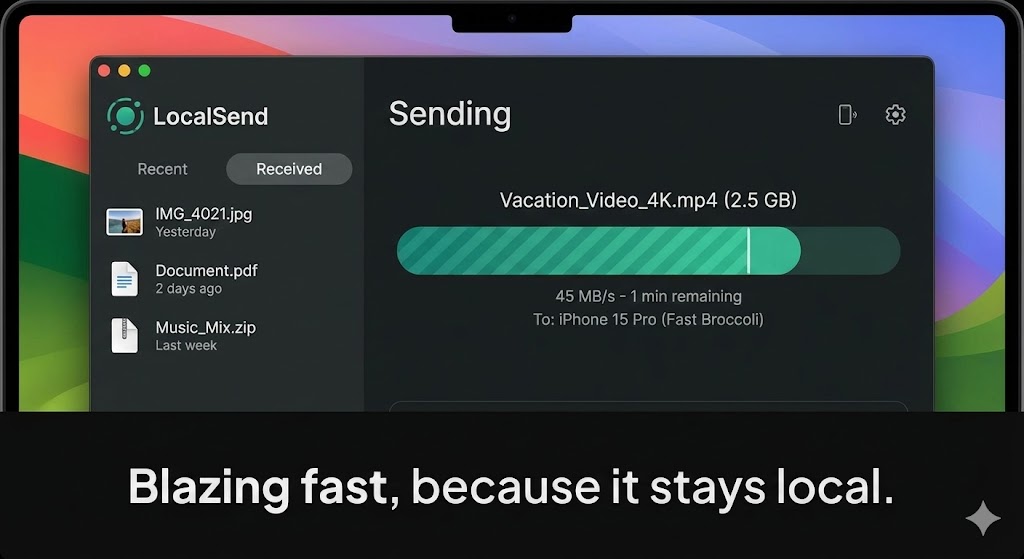
This is the whole ball game. The first time I opened LocalSend on my iPhone and my Windows PC at the same time, they just… saw each other. My PC popped up on my phone screen with a funny auto-generated name like “Fast Broccoli.” I selected 50 high-res photos on my iPhone, tapped “Send to Fast Broccoli,” and boom. They were on my PC’s desktop in about 15 seconds. No logins. No pairing codes. No “iTunes sync.” It felt like cheating. It felt like how technology should work.
2. Speed and Privacy (No Internet Needed)
Because LocalSend doesn’t upload your files to the cloud, two amazing things happen:
- Privacy: My personal photos aren’t taking a detour through a server in another country just to get to my laptop three feet away.
- Speed: It maxes out your local Wi-Fi speed. Sending a 2GB movie file takes a minute or two, not an hour. It’s way faster than uploading to Dropbox.
3. Zero Friction Setup
Remember trying to set up Windows network sharing (SMB)? Yeah, that’s trauma. LocalSend has zero configuration. You install it, you open it. That’s it. It automatically assigns your device a quirky name (you can change it, but why would you want to change “Smart Pizza”?). It’s the definition of “it just works.”
The Honest Truth: The “Open App” Annoyance
LocalSend is amazing, but it’s not magic. It has one limitation compared to native AirDrop. Because it’s a third-party app, it’s not baked into the operating system. Both devices need to have the LocalSend app installed AND open on the screen. You can’t just be in your iPhone Photos gallery, hit share, and expect your sleeping Windows PC to magically wake up and receive it. You have to physically open the app on the receiving end first. It’s a minor inconvenience (takes 2 extra seconds), but it’s the only thing stopping it from being absolutely perfect.
Pros and Cons
The Pros:
- Truly Cross-Platform: Connects anything to anything. iPhone to Windows, Android to Mac.
- Free & Open Source: No ads, no subscriptions, no tracking.
- Crazy Fast: Uses local Wi-Fi speed.
- Private: Files never leave your network.
The Cons:
- App Must Be Open: Both sender and receiver must have the app active on screen.
- Wi-Fi Dependent: Won’t work on public Wi-Fi networks that isolate devices (like at a hotel or Starbucks).
Who Is This For?
- The “Mixed Ecosystem” User: If you have an iPhone but use a Windows PC, this app is mandatory.
- Privacy Advocates: People who don’t trust the cloud with their personal files.
- Video Creators: Who need to move huge video files from phone to computer quickly for editing.
- Anyone who hates finding cables.
Final Verdict
If you live 100% inside the Apple ecosystem, stick with AirDrop. But for the rest of us human beings who use a mix of different devices, LocalSend is a lifesaver. Stop emailing photos to yourself like a caveman. Download this free app. It’s the best utility I’ve installed this year.
My Rating: ⭐⭐⭐⭐⭐ (5/5) — The universal file transfer tool that tech giants don’t want you to have.










