Introduction: The “Network Error” Trauma
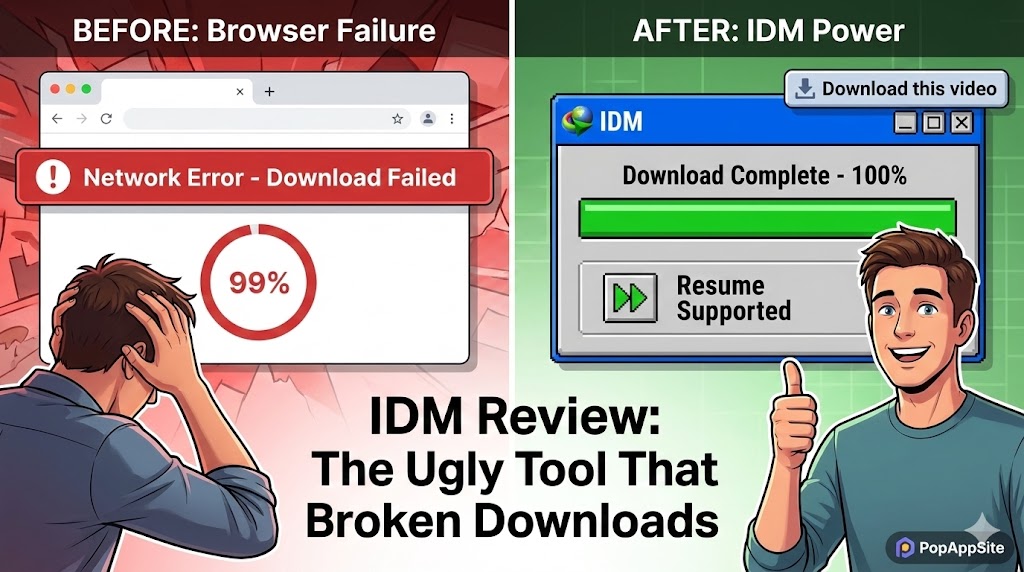
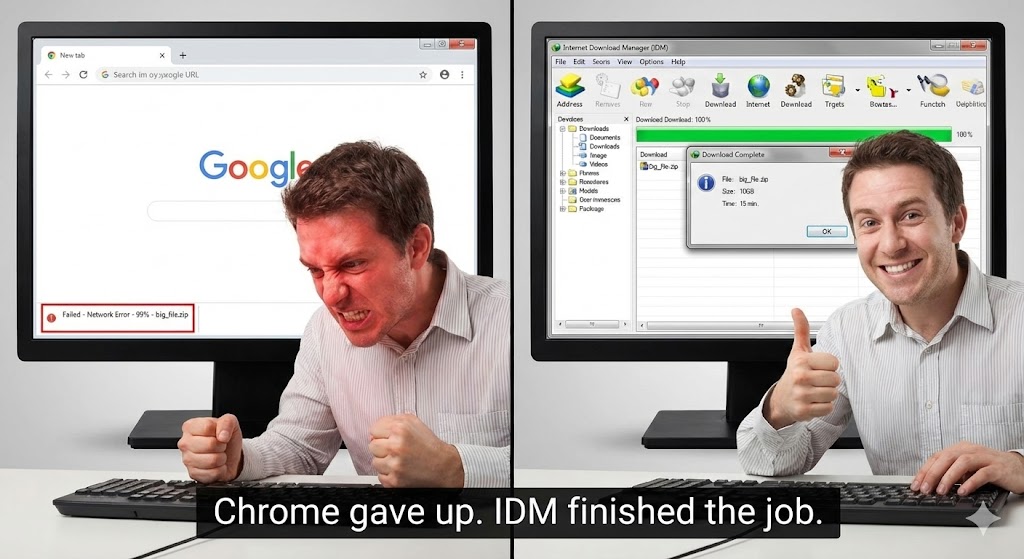
We have all been there. You are downloading a 10GB file using Chrome or Edge. It takes 2 hours. You watch the progress bar: 95%… 98%… 99%… And then: “Network Error. Failed.” There is no “Resume” button. You have to start over from 0%. I have punched a keyboard because of this. That is why, in 2026, I still use a piece of software that looks like it was designed in 1998. It’s called Internet Download Manager (IDM). It is ugly. It is paid software. And it is absolutely essential. It turns your fragile browser download into an indestructible tank.
What is IDM?
IDM is a download accelerator. It works by slicing a single file into multiple pieces (usually 8, 16, or 32 parts) and downloading them all simultaneously. Imagine you are filling a swimming pool. Chrome uses one garden hose. IDM uses 32 fire hoses at the same time. It has been around for over 20 years. The interface hasn’t changed much. It still has those blocky, pixelated icons. But under the hood? It is a beast.
The Features That Justify the Price Tag
1. The Magic “Download This Video” Button
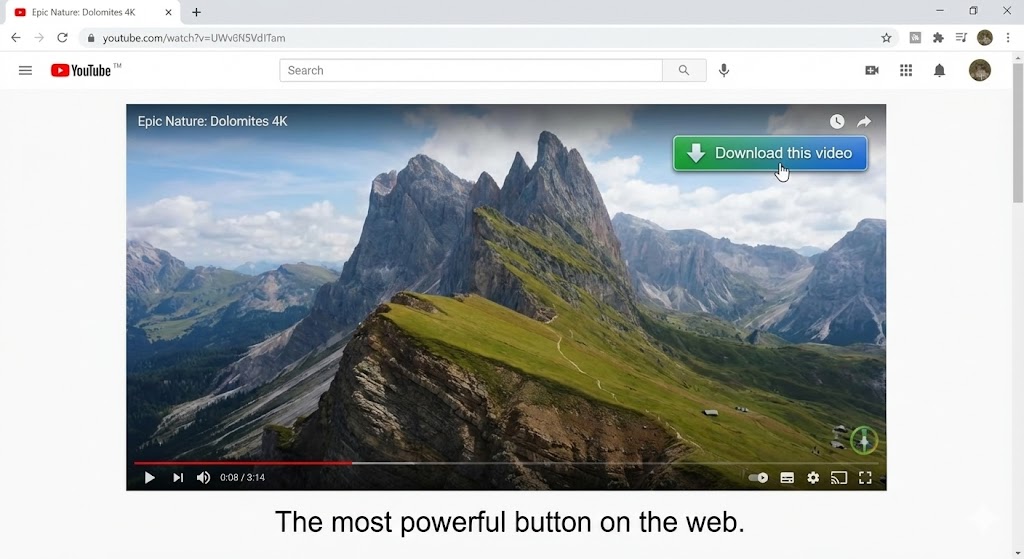
This is the feature that makes people buy IDM. You install the browser extension. Then, you go to any website with a video player. YouTube, Vimeo, news sites, educational courses… A small, floating bar appears above the video: “Download this video”. You click it. You choose the quality (1080p, 4K). It downloads. No copying URLs. No shady “video converter” websites full of ads. It just works. I use this constantly for saving tutorials or lectures to watch offline when I’m on a plane.
2. Indestructible Resume Capability
This is the cure for my “Network Error” trauma. If my internet cuts out, or my computer crashes, or the power goes out… IDM remembers. When I turn my PC back on, I open IDM, click “Resume,” and it continues exactly where it left off. It doesn’t matter if it was at 50% or 99%. It saves the progress. For anyone with unstable internet (or anyone downloading massive game mods or datasets), this feature alone is worth the license fee.
3. Maxing Out Your Bandwidth
I pay for Gigabit internet. Chrome rarely uses all of it. Chrome is “polite.” It doesn’t want to hog your connection. IDM is rude. It grabs every single bit of bandwidth available. When I switch to IDM, my download speeds usually double or triple compared to the browser. It feels like I’m finally getting what I paid my ISP for.
The Honest Truth: It’s Not Pretty
I have to be real with you.
- The UI is Ancient: Opening IDM feels like time-traveling to Windows XP. The icons are ugly. The menus are cluttered. There is no “Dark Mode” (unless you use custom skins, which are a pain to install).
- It Costs Money: In a world of free apps, paying ~$25 (lifetime) for a download manager feels weird.
- The “Cracked” Version Risk: Because it’s paid, many people try to find cracked versions. Don’t do it. Cracked IDM versions are the #1 way to get malware. The developers update the anti-piracy checks constantly. Just buy a license or use the 30-day trial.
Pros and Cons
The Pros:
- Speed: It is objectively faster than any browser.
- Video Grabbing: The best media sniffer in the game.
- Reliability: It almost never corrupts files.
- Browser Integration: The “IDM Integration Module” works seamlessly with Chrome, Edge, Firefox, and Opera.
The Cons:
- Aesthetics: It looks terrible. (But we forgive it).
- Price: Not free (though the lifetime license is a good deal).
- Mac OS: It is Windows only. (Mac users, I’m sorry, you have to use alternatives like Neat Download Manager).
Who Is This For?
- Gamers: For downloading 100GB+ game files or mods without corruption.
- Students/Researchers: For grabbing video lectures and huge PDF datasets.
- People with Bad Internet: If your connection drops frequently, you need this to resume downloads.
- Data Hoarders: You know who you are.
Final Verdict
We live in an era of sleek, minimalist, AI-powered software. IDM is none of that. It is a brute-force tool from a different era. But until browsers stop failing at 99%, and until the internet becomes perfectly stable, IDM is the king. I install it on every Windows PC I own. It’s the ugly duckling that saves my day, every day.
My Rating: ⭐⭐⭐⭐⭐ (5/5) — Ugly, expensive, and absolutely irreplaceable.










