Introduction: The $69.99 Heartbreak
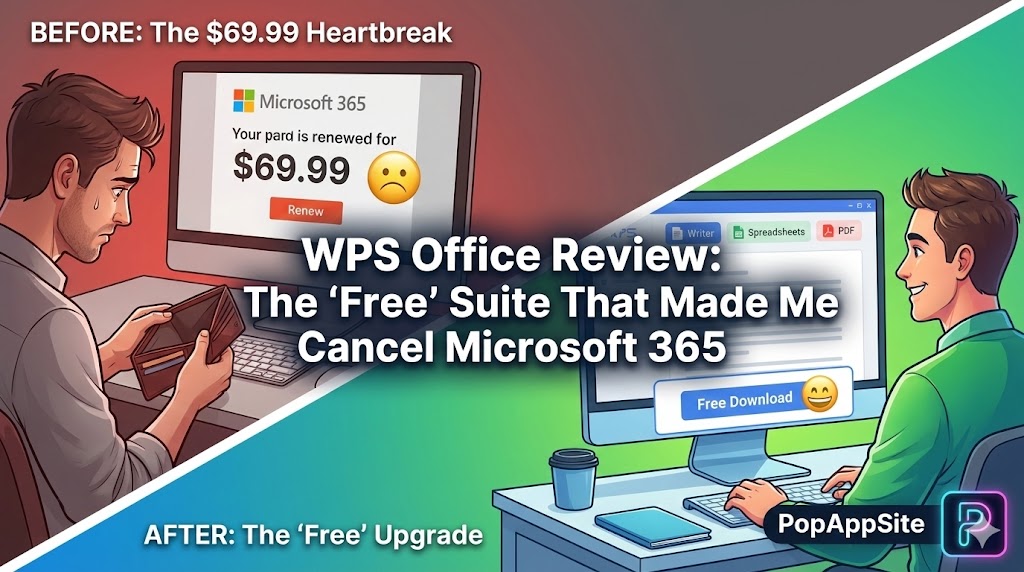
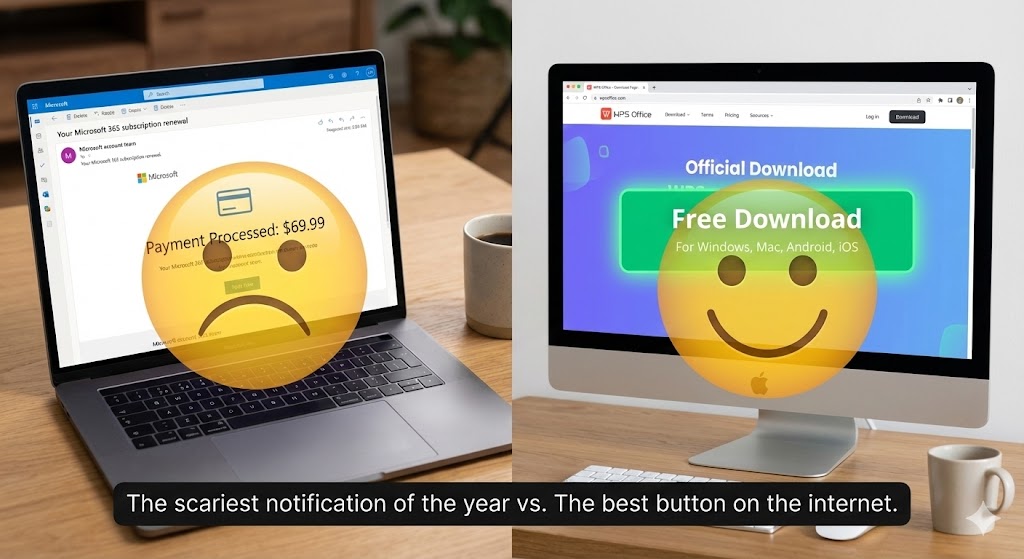
Every year, I get that email: “Your Microsoft 365 subscription will renew for $69.99 tomorrow.” And every year, my wallet weeps. I don’t run a Fortune 500 company. I just need to write a resume, make a budget spreadsheet, and maybe open a PDF. Do I really need to pay a monthly rent for that? So, I did the unthinkable. I cancelled Microsoft. I downloaded WPS Office. I was terrified. I thought: “Great, now my resume formatting is going to explode. The margins will be wrong. The fonts will be ugly.” I opened my .docx file in WPS. It looked… exactly the same. I felt like I had been scammed by Bill Gates for the last 5 years.
What is WPS Office?
WPS (Word, Presentation, Spreadsheet) is an office suite developed by Kingsoft. It is the “Davos to Microsoft’s Goliath.” It does 99% of what Microsoft Office does, but for 0% of the cost (for the basic version). But here is the twist: It isn’t just a clone. In some ways, it is actually better designed than the original. It’s lightweight, fast, and it runs on everything—Windows, Mac, Android, iOS, and yes, even Linux (Linux users worship this app).
The Features That Microsoft Should Steal
1. The “All-in-One” Tabbed Interface
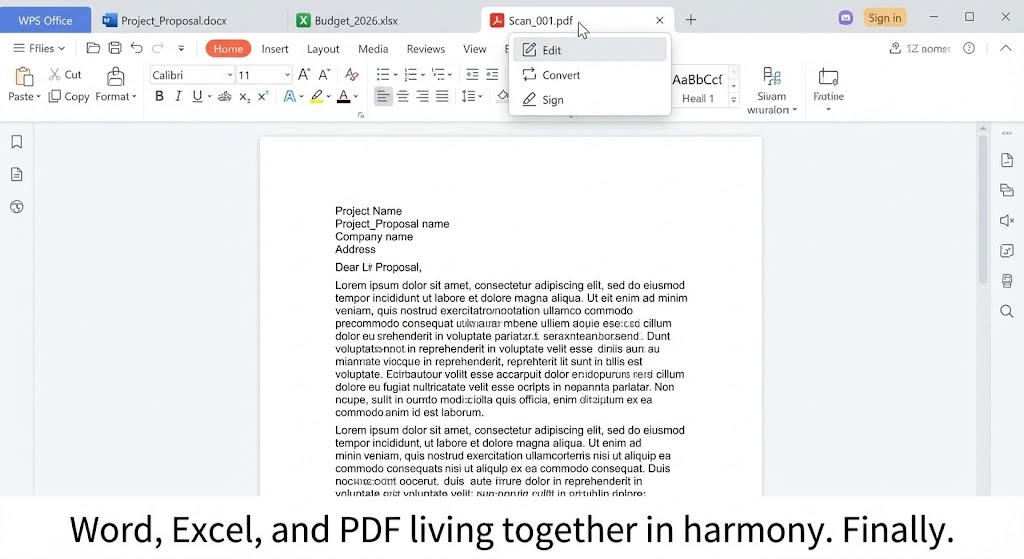
Why, in 2026, does Microsoft still force me to open separate windows for Word, Excel, and PowerPoint? WPS treats documents like web browser tabs. You open one window.
- Tab 1: Your Resume (Word)
- Tab 2: Your Budget (Excel)
- Tab 3: A PDF contract You switch between them just like Chrome tabs. It is so logical, so clean, and so efficient that going back to Microsoft’s “cluttered taskbar” feels ancient.
2. Compatibility (The “No-Panic” Factor)
This is the only thing that matters. If I send a file to my boss, and he sees a mess, I’m fired. I have tested this extensively. Complex tables? Fine. Weird headers? Fine. Smart Art? Fine. WPS uses the exact same file formats (.docx, .xlsx, .pptx) natively. It doesn’t “convert” them; it just edits them. Unless you are using some crazy advanced Excel VBA macro from 1998, you won’t notice the difference.
3. The PDF Superpower
In Microsoft Office, PDFs are second-class citizens. In WPS, PDF tools are front and center. You can edit text in a PDF, merge files, split pages, and convert PDF to Word directly inside the app. Usually, you have to buy Adobe Acrobat Pro for these features. WPS gives you the basics for free (and the advanced stuff in their Premium tier, which is still cheaper than Adobe).
The Honest Truth: The Ads Are Annoying
Okay, here is the catch. There is no such thing as a free lunch. The free version of WPS is… noisy.
- Pop-ups: Occasionally, when you launch the app, you get a pop-up ad for their Premium version or some template pack.
- “WPS Cloud” Nagging: It really, really wants you to use their cloud storage. It tries to auto-save there. You have to go into settings and firmly tell it: “No. Save to my PC.”
- Bloat: Sometimes it tries to install extra tools you didn’t ask for. You have to pay attention during installation. If you are easily annoyed by ads, this might drive you crazy. But remember: You are saving $70 a year. I can tolerate a 3-second ad for that kind of money.
Pros and Cons
The Pros:
- It’s FREE: The core features cost nothing.
- Lightweight: It installs fast and runs on old potatoes (laptops with 4GB RAM).
- Tabs: Seriously, the tabbed interface is a productivity game-changer.
- Templates: It comes with a huge library of free resume and presentation templates that actually look modern.
The Cons:
- Ads (Free Version): Pop-ups can interrupt your flow.
- Privacy Concerns: It is cloud-connected software. If you work on top-secret government documents, maybe check your IT policy first.
- Cloud Push: It’s a bit aggressive about pushing its own cloud ecosystem.
Who Is This For?
- Students: Who need to submit
.docxhomework but have $0 budget. - Freelancers: Who need a professional suite without the overhead.
- Linux Users: It is arguably the best office suite on Linux, far better than LibreOffice in terms of UI polish.
- Old PC Owners: If Office 365 makes your laptop fan spin like a helicopter, switch to WPS.
Final Verdict
WPS Office is the Robin Hood of productivity software. It gives the premium experience of Microsoft Office to the masses for free. Yes, the ads are the price you pay for “free.” But for the sheer utility, compatibility, and the brilliant tabbed interface, it is a trade-off I am willing to make every single day. Sorry, Microsoft. We had a good run. But I’m keeping my $69.99.
My Rating: ⭐⭐⭐⭐½ (4.5/5) — The best free office suite, if you can ignore the ads.










