Introduction: The “Goldfish Memory” Problem
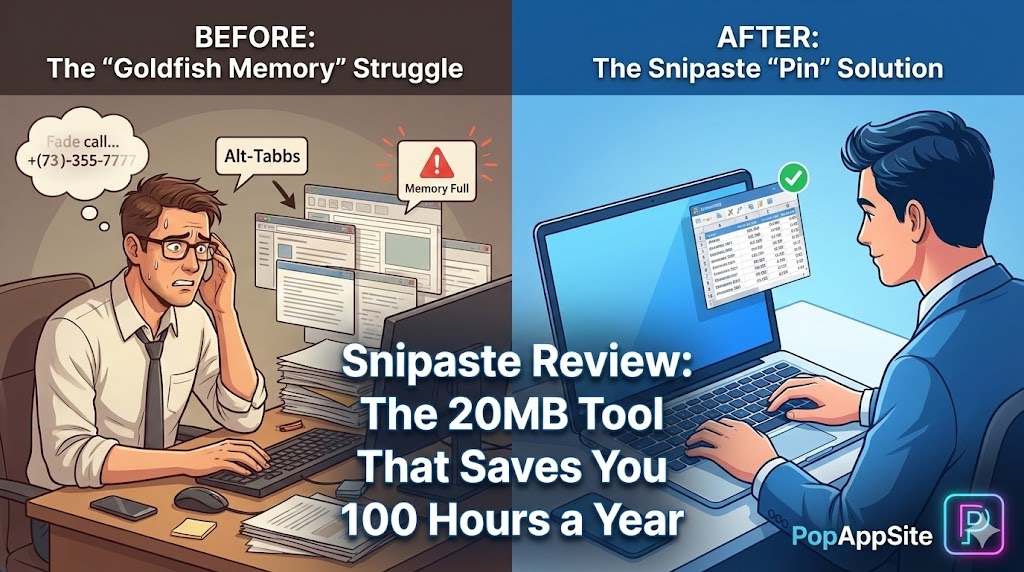
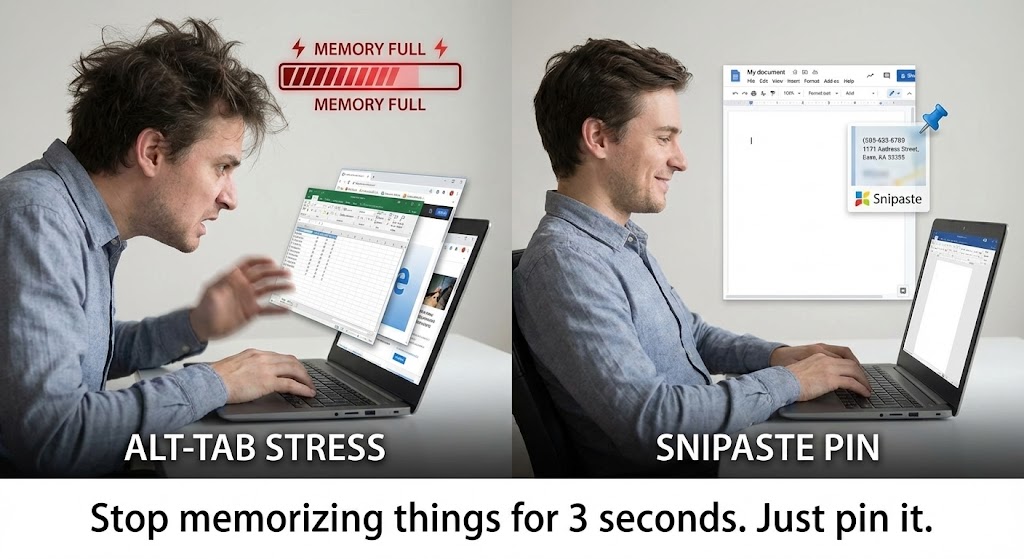
I have a confession. I have the memory of a goldfish. Here is a scenario: I see a phone number on a website. I tell myself, “Okay, 555-0199.” I Alt + Tab to my email to type it. And… it’s gone. I have to switch back. Look again. Switch back. Type it. It’s stupid. It’s inefficient. And I did it 50 times a day. Then I installed Snipaste. I pressed F1 to take a screenshot of the number. Then I pressed F3. The screenshot stuck to my screen. It floated on top of my email like a sticky note. I just typed the number while looking at it. It sounds like a small thing. But the first time you use it, your brain explodes. You realize you’ve been using computers wrong your whole life.
What is Snipaste?
Snipaste is a free (yes, truly free) snipping tool. But calling it a “snipping tool” is like calling a Ferrari a “movement device.” It was made by an indie developer (levipic) who clearly hated inefficiency. It does two things perfectly:
- Snip: Take a screenshot intelligently (it auto-detects buttons and windows).
- Paste: Turn that screenshot into a floating window that stays on top of everything.
The Features That Should Be Built Into Windows
1. The “Pin” (F3) – The Killer Feature
This is the reason you download it. Imagine you are a designer. You want to copy a color palette from an image. With Snipaste, you crop the palette, Pin it to your screen, and drag it over to Photoshop. It stays there while you work. Imagine you are a programmer. You need to copy an error code from a log file to StackOverflow. Pin the error code. Type it out. Double-click to close it. It turns your screen into a dynamic mood board. I sometimes have 5 or 6 little “scraps” of information pinned all over my screen while I write a report. It looks chaotic to others, but it is pure flow for me.
2. UI Element Detection (The “Smart” Snip)
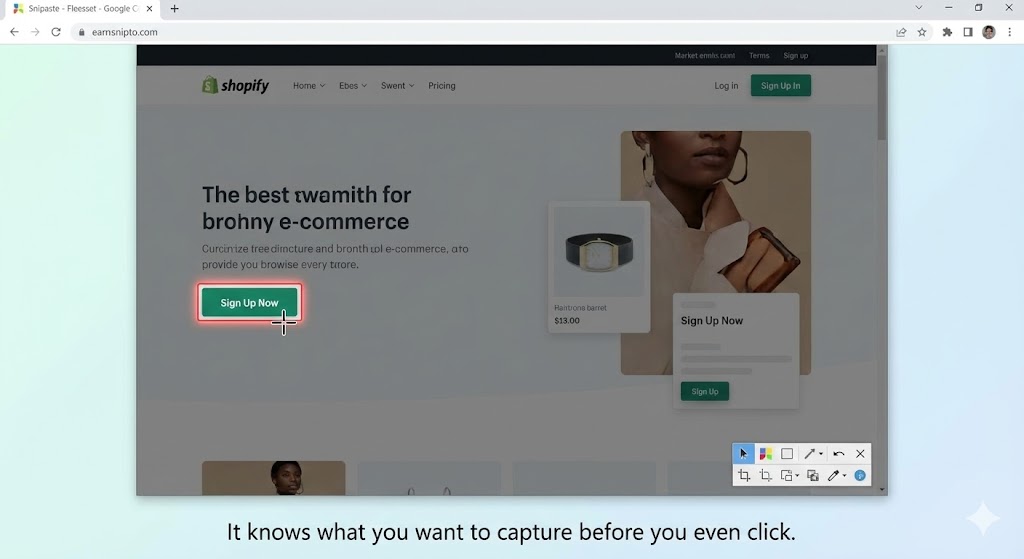
When you press F1, Snipaste doesn’t just give you a crosshair. It analyzes the window under your mouse. Hover over a toolbar? It highlights just the toolbar. Hover over a button? It highlights just the button. You don’t need to carefully drag your mouse to get the perfect crop. Snipaste knows what you want before you click. It snaps to the UI borders like magic.
3. Color Picking (The Designer’s Bonus)
I used to launch a heavy tool just to find out what Hex code a color was. With Snipaste, I just press F1, hover over a pixel, and press C. The Hex code is copied. If you press Shift, it switches to RGB. It is lightweight, instant, and always there.
The Honest Truth: The Learning Curve
Snipaste is not perfect.
- Hidden Interface: It doesn’t have a main “Window” when you open it. It lives in your system tray (bottom right corner). I have recommended this tool to friends, and they called me saying: “I installed it, but nothing happened!” You have to tell them: “Press F1.”
- Mac Version: The Mac version is great, but due to Apple’s strict security, you have to jump through some hoops to give it “Screen Recording” permissions. It can be annoying to set up initially.
- Pro Version: There is a paid Pro version (Snipaste 2.0+), but honestly? The free version is so good that 99% of people will never need to pay. (Sorry, developer, but you made the free version too good).
Pros and Cons
The Pros:
- It’s FREE: No ads. No subscription. No account required.
- Lightweight: It takes up almost no RAM. It starts instantly.
- Pinning: I will say it again. Pinning is life-changing.
The Cons:
- “Ghost” App: New users get confused because there is no main window.
- Too Many Hotkeys: It has powerful editing tools (blur, text, arrow), but remembering the hotkeys to change line thickness or opacity takes muscle memory.
Who Is This For?
- Data Entry Clerks: If you copy numbers from A to B, this saves your life.
- Designers: For color picking and reference images.
- Developers: For comparing code snippets side-by-side without a dual monitor setup.
- Everyone: Seriously. If you use a computer, you need this.
Final Verdict
Windows 11 updated its Snipping Tool recently. It’s better now. But it still can’t Pin. Until Microsoft steals this feature, Snipaste is the first thing I install on any new computer. It is a 20MB tool that saves me 100 hours of “Alt-Tab” switching every year. Go download it. Press F3. Thank me later.
My Rating: ⭐⭐⭐⭐⭐ (5/5) — Essential software. It should come pre-installed on every PC.










