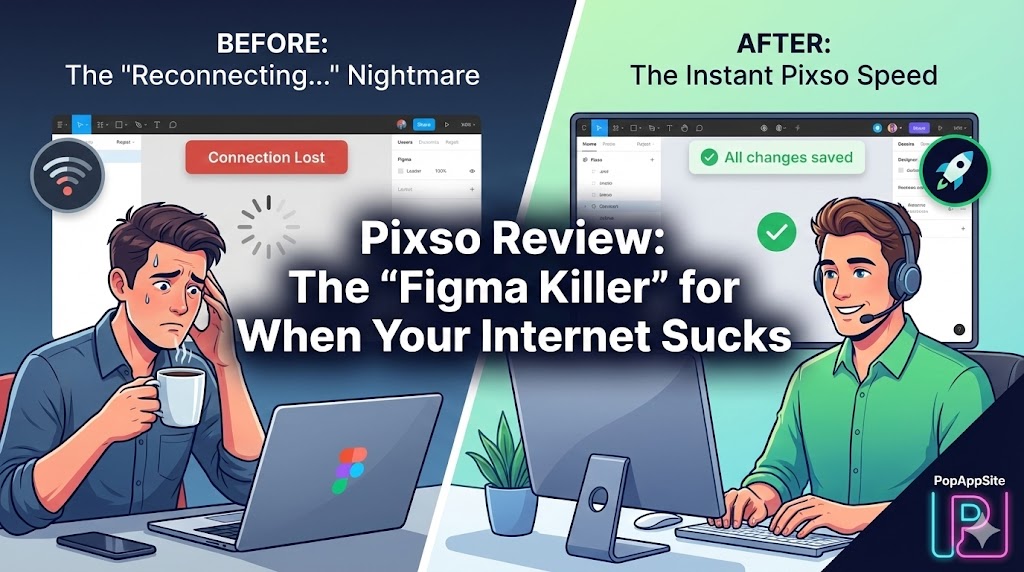
Introduction: The “Reconnecting…” Nightmare
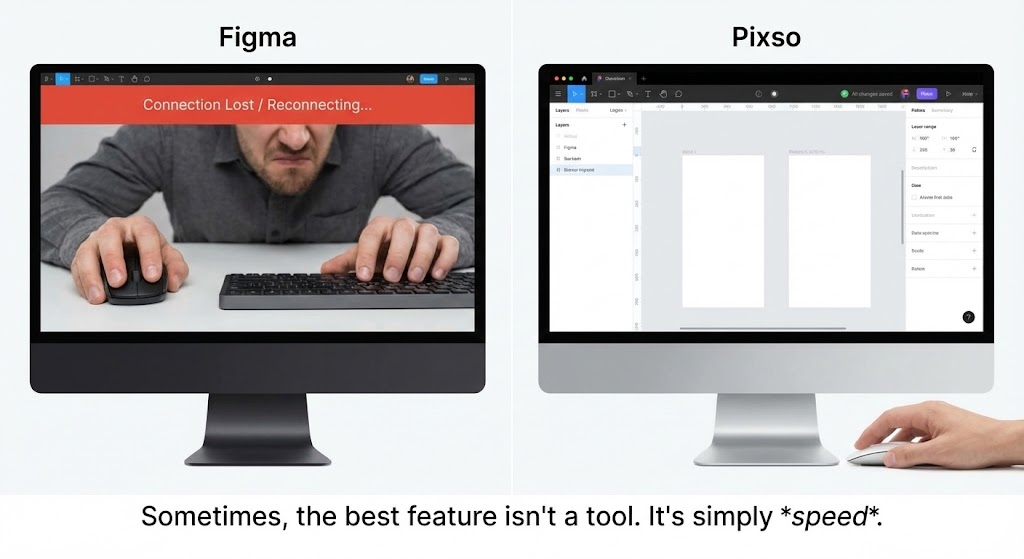
We need to talk about the elephant in the room. I love Figma. I have used it since 2017. But there is one thing that drives me crazy: The Network. Depending on where you are in the world (especially in Asia), opening a large Figma file can feel like waiting for dial-up internet in the 90s. I stare at that grey “Reconnecting…” bar at the top of the screen, praying my work saved. That is why I tried Pixso. I admit, I was skeptical. I thought, “Great, another cheap clone.” I expected a buggy, slow imitation. What I got was a piece of software that felt… dangerously familiar, but with one major difference: It was instant. It opened my 200MB file in seconds. No loading bars. No lag.
What is Pixso?
Pixso is a cloud-based collaborative design tool. Let’s be real: It looks 95% like Figma. The shortcuts are the same (R for Rectangle, T for Text). The layout is the same. The logic is the same. And that is actually a good thing. It means you don’t have to re-learn anything. Muscle memory works instantly. But Pixso differentiates itself with better localization, built-in AI features that are often free (or cheaper), and robust project management tools integrated directly into the whiteboard.
The Features That Made Me Consider Switching
1. The “.fig” Import (The Life Saver)
This was my biggest worry. I have 5 years of work locked inside Figma files. If I couldn’t move them, I wouldn’t switch. I dragged a .fig file into Pixso. I held my breath. It imported perfectly. Auto Layouts? Kept. Components? Kept. Prototyping links? Mostly kept. It wasn’t just a flat image import; it was fully editable. This “exit strategy” from Figma is Pixso’s strongest weapon.
2. Built-in AI Design Assistant
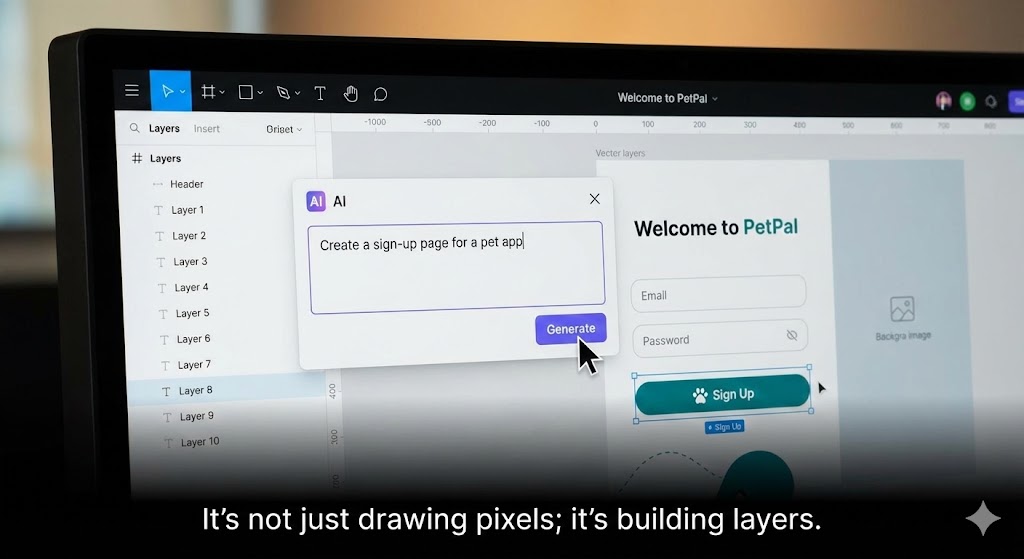
Figma has AI now, but Pixso feels like it built the tool around AI. I clicked the “AI” button and typed: “Generate a mobile banking dashboard with a dark theme.” It didn’t just give me an image. It gave me editable layers. I could move the buttons, change the text, and swap the icons. For rapid prototyping when my brain is empty at 4 PM on a Friday, this is a cheat code.
3. Enterprise Features for “Regular” Teams
Pixso includes things like built-in flowcharts and whiteboards (Pixso Whiteboard) that talk directly to your design files. It feels like having Figma + FigJam + a bit of Jira all in one tab. For teams that don’t want to pay for three different subscriptions, this consolidation is very attractive.
The Honest Truth: It’s Not Figma (Yet)
Pixso is fast and impressive, but it lacks the Global Ecosystem.
- The Community: Figma has thousands of free plugins and files created by designers worldwide. Pixso has a resource community, and it’s growing fast, but it’s not as vast as Figma’s yet.
- The Plugin Library: If you rely on a very specific, obscure plugin to do your job, check if Pixso has an equivalent first. They support custom plugins, but the library is smaller.
Pros and Cons
The Pros:
- Speed: If you are in a region where Figma servers are slow, Pixso is a rocket ship.
- Price: Generally more affordable for teams compared to Figma’s Enterprise plans.
- Localization: Better support for CJK (Chinese, Japanese, Korean) fonts and input methods.
- Familiarity: If you know Figma, you already know Pixso. Zero learning curve.
The Cons:
- Smaller Community: Fewer free templates and third-party resources compared to the global giant.
- Copycat Stigma: Some designers refuse to use it simply because it looks too much like the competitor.
Who Is This For?
- Designers with Bad Internet: If connection lag is killing your flow, switch to Pixso.
- Enterprise Teams: Who need strict data security or private deployment (Pixso offers strong private deployment options).
- Figma Refugees: People worried about Adobe (even though the deal failed) or rising subscription costs.
Final Verdict
Is Pixso a “Figma Killer”? Not globally, not yet. But is it a “Figma Alternative” that you can actually use professionally? Absolutely. It is stable, fast, and respectful of your existing workflow. I keep Pixso open as my “Plan B.” But increasingly, on days when the internet is slow, Plan B is becoming Plan A.
My Rating: ⭐⭐⭐⭐ (4.6/5) — The fastest alternative for the pragmatic designer.










