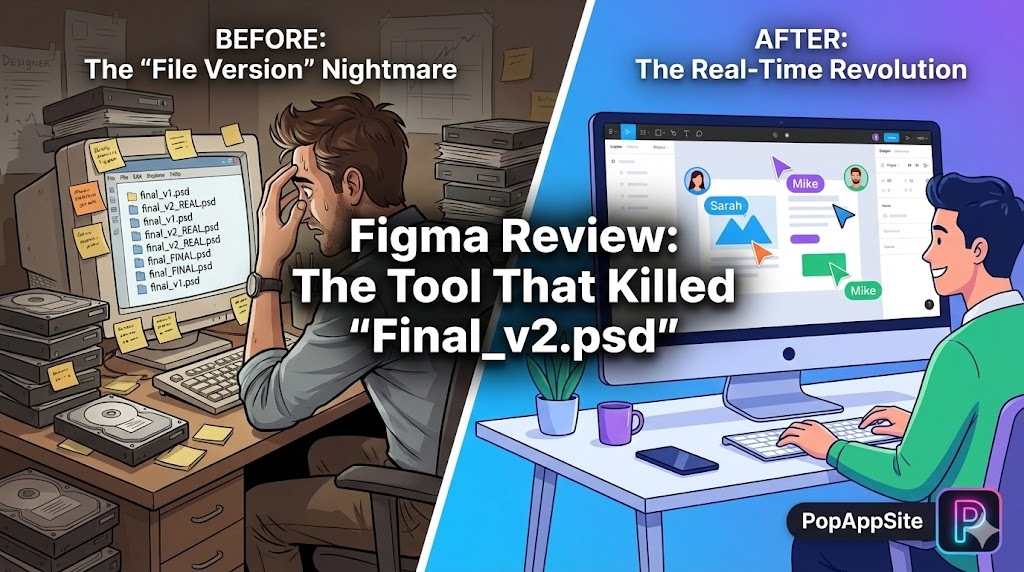
Introduction: RIP, Dropbox Sync
If you started designing before 2016, you have PTSD. I remember the struggle: I would design a website in Photoshop or Sketch. I would save the file (Homepage_v3.sketch). I would upload it to Dropbox. My developer would download it, realize he didn’t have the font installed, and call me screaming. Then came Figma. I opened it in a web browser (which felt wrong at first). I sent a link to my developer. He opened it. He saw the fonts. He saw the colors. It just worked. No saving. No syncing. No “Missing Assets.” Figma didn’t just change how we draw rectangles; it saved my sanity.
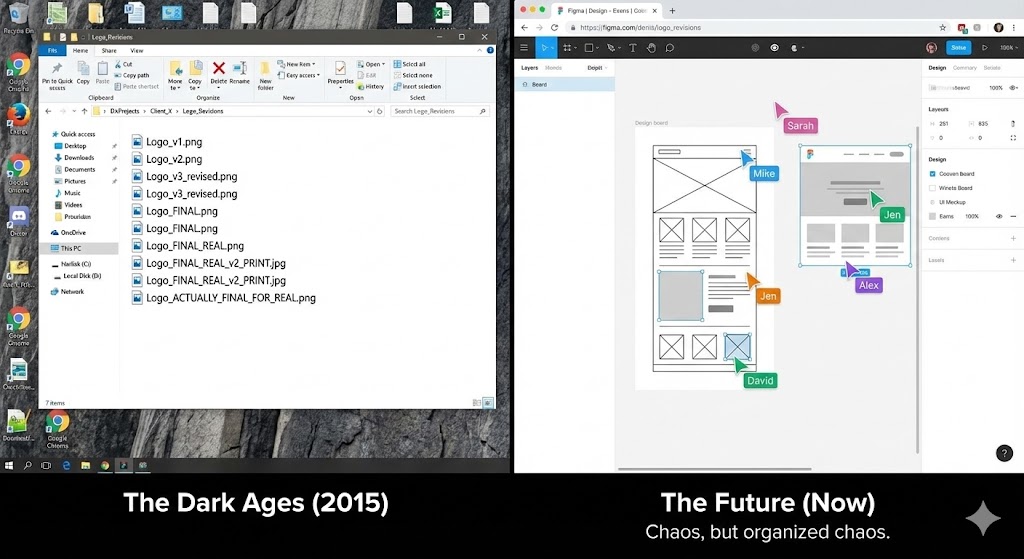
What is Figma?
Figma is a vector design tool that lives in the cloud. Think of it as “Google Docs for Designers.” It allows you to design websites, apps, and logos right in your browser. But the killer feature is that it is Multiplayer. You and five other people can be in the same file, at the same time, moving things around. It sounds chaotic (and it is), but it is also revolutionary.
The Features That Changed My Career
1. Auto Layout (The “CSS” Logic)
This is the feature that separates the amateurs from the pros. In the old days, if I wanted to change the text on a button from “Go” to “Submit Application,” I had to manually stretch the background box to fit the new text. With Auto Layout, I just type. The box grows automatically. The padding stays perfect. The icon moves to the right. It behaves exactly like code (Flexbox). It forces designers to think like developers, which means my designs actually get built correctly.
2. The “Multiplayer” Cursor Party
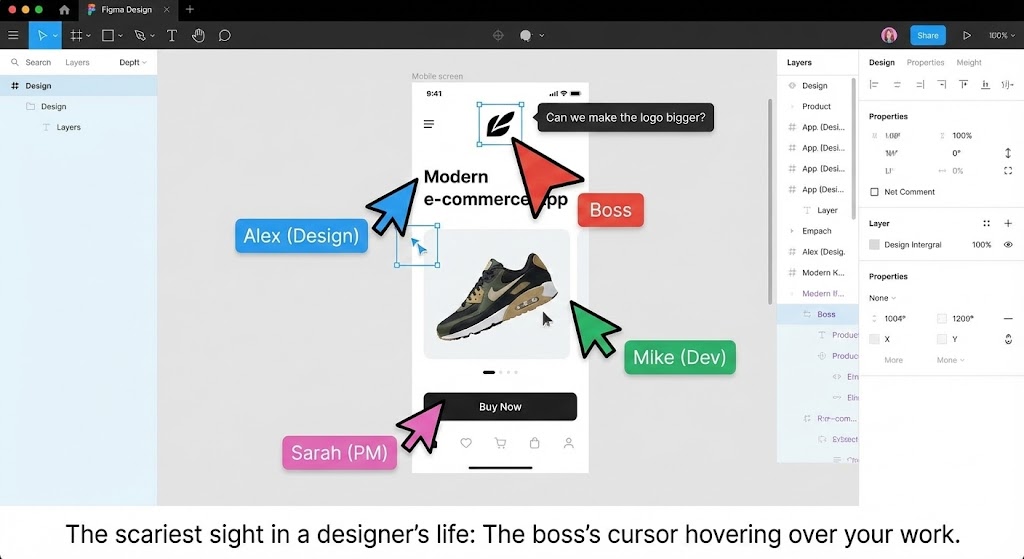
There is a specific feeling when you are working on a deadline, and suddenly you see a pink cursor enter the screen. It’s your Art Director. They don’t need to ask “Is it done?” They can just see it. They can leave a comment right on the specific pixel that is wrong. It turned design from a solitary, lonely activity into a collaborative sport. (Sometimes I hate this, but mostly, it’s faster).
3. Components & Variants (The Lazy Designer’s Dream)
I am lazy. I hate repeating myself. Figma lets me create a “Master Button.” If I change that Master Button from Blue to Red, every single button in my 50-page project changes to Red instantly. It’s called a Design System. It allows me to manage huge projects without losing my mind.
The Honest Truth: The “Always On” Anxiety
Figma is great, but I have a complaint. Because it is real-time, there is nowhere to hide. In the old days, I could procrastinate for 3 hours, then quickly do the work before sending the file. Now, my boss can see if I’m actually working. They can see my mouse moving (or not moving). Also, Figma has become a memory hog. If you have a file with 100 artboards, Chrome will eat all your RAM. You need a decent computer to run it smoothly in 2026.
Pros and Cons
The Pros:
- Browser-Based: Works on Mac, Windows, and even Linux (unofficially). No installation needed.
- Dev Mode: Developers love it because they can grab the CSS code directly.
- Community: The “Figma Community” tab is a goldmine. Need an icon set? A mockup? Just copy-paste it from someone else for free.
The Cons:
- Offline Mode is Weak: If your internet goes down, you are in trouble. You can keep working, but you can’t load new things.
- The “Micro-Manager” Problem: It empowers bad bosses to hover over your shoulder virtually.
- Subscription Costs: It used to be very generous with the free plan. Now, if you want “Dev Mode” features, you have to pay up.
Who Is This For?
- UI/UX Designers: Obviously. It is the industry standard. Sketch is dead. Adobe XD is dead. Figma won.
- Product Managers: To wireframe ideas quickly before bugging the designers.
- Developers: To inspect designs and get measurements without asking “how many pixels is this padding?” every 5 minutes.
Final Verdict
I tried going back to Photoshop for web design last week. I lasted 10 minutes. Figma has ruined me. It is too fast, too convenient, and too logical. Despite the anxiety of “multiplayer mode,” I cannot imagine doing my job without it. If you want to design interfaces in 2026, you simply must learn Figma.
My Rating: ⭐⭐⭐⭐⭐ (4.9/5) — The undisputed champion of UI design.










