
Introduction: The “Alt-Tab” Fatigue
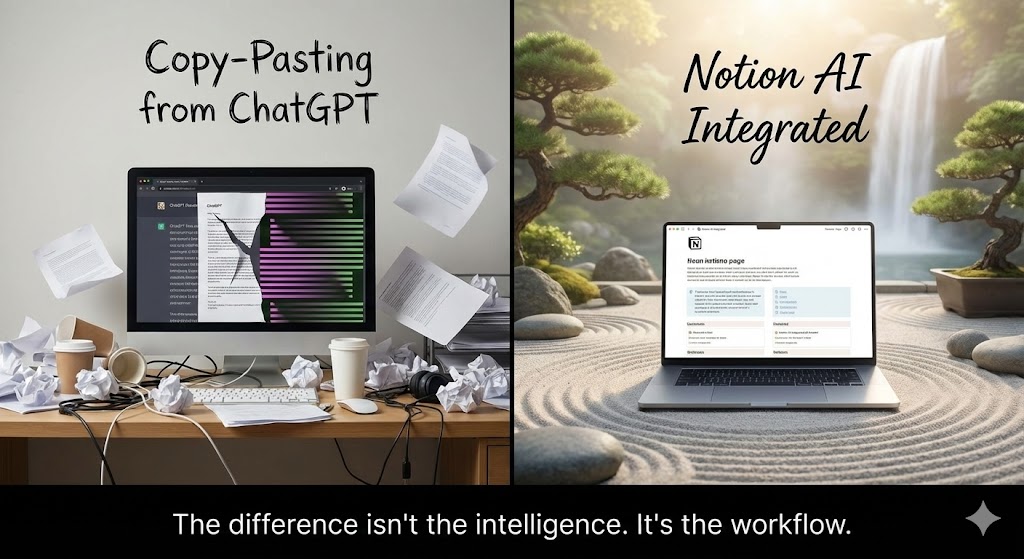
Here is my old workflow:
- Open ChatGPT in a browser tab.
- Write a prompt.
- Copy the answer.
Alt + Tabback to Notion.- Paste it.
- Spend 5 minutes fixing the broken formatting.
It worked, but it was annoying. Then I finally caved and bought the Notion AI add-on. My first thought was: “Why pay $10 when ChatGPT is free?” My thought three days later: “I am never going back.” Notion AI isn’t about being smarter than GPT; it’s about being lazier. It lives inside your notes. It reads your messy thoughts and organizes them without you ever leaving the page.
What is Notion AI?
It is not just a chatbot sidebar. It is deeply integrated into the “Block” system of Notion. It can write text, summarize meetings, fix your grammar, and translate languages directly inside your pages. But the real game-changer in 2026 is the Q&A feature. Because Notion AI lives inside your workspace, it has “eyes.” It can read all your private documents, meeting notes, and project plans. You can ask it questions about your own life or work, and it actually knows the answer. ChatGPT can’t do that (unless you upload everything manually, which is a privacy nightmare).
The Features That Justify the Price Tag
1. Q&A (Chat with Your Brain)
This is the killer feature. I used to waste hours searching for “Q3 Marketing Plan” in the search bar, scrolling through 50 results. Now, I just click the sparkle icon and ask: “What did we decide about the marketing budget last Tuesday?” Notion AI scans my meeting notes and answers: “You decided to allocate $5k, according to the meeting note from Jan 12th.” and links to the specific file. It’s like having a personal secretary who has read every single document you’ve ever written.
2. The “Space Bar” Magic
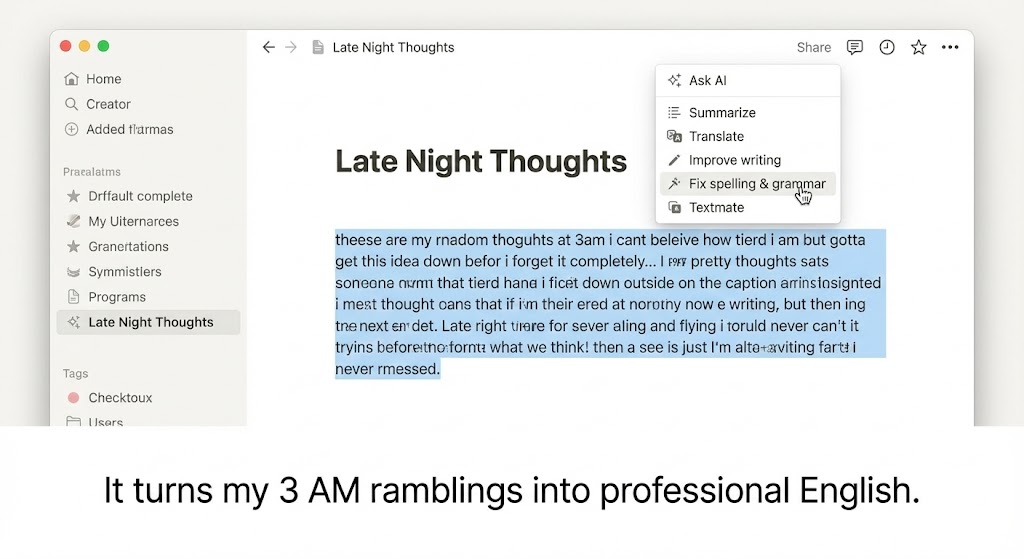
When I’m staring at a blank page, I just hit the Space bar. A menu pops up: “Draft a blog post,” “Brainstorm ideas,” “Make a to-do list.” I type a messy bullet list of random thoughts, highlight them, and tell AI: “Turn this into a professional email.” Boom. Done. The friction of starting to write is gone.
3. Database Autofill (For the Geeks)
This is for the power users. Imagine you have a database of 500 user feedback entries. You want to tag them as “Positive” or “Negative.” In the past, you had to read them one by one. Now, you create an “AI Property.” You tell it: “Read the feedback content and select a sentiment tag.” Notion AI goes through all 500 rows and fills them in automatically while you go grab a coffee. It feels illegal to be this productive.
The Honest Truth: It’s Not Perfect
Let’s be real: Notion AI is NOT as smart as GPT-5 or Claude 3.5. For creative writing or complex coding problems, it feels a bit “dumber.” It sometimes gives generic, corporate-sounding answers. Also, the price is a bit steep: $10 per person, per month. If you have a team of 10 people, that’s an extra $100/month just for the AI. And no, it is not included in the Personal Pro or Team plans. It is a separate add-on. That feels a bit greedy, to be honest.
Pros and Cons
The Pros:
- Context Awareness: It knows your data. This is its unfair advantage over ChatGPT.
- Zero Context Switching: No more copying and pasting. Formatting (headings, lists) is preserved perfectly.
- Privacy: Notion claims your data is not used to train their public models (unlike the free version of ChatGPT).
The Cons:
- The Cost: It adds up quickly for teams.
- “Generic” Tone: The writing style tends to be very formal and robotic unless you heavily prompt it otherwise.
- Hallucinations: Like all AI, it can still lie to you confidently. Always double-check the facts.
Who Is This For?
- Project Managers: Use Q&A to find answers in messy wikis instantly.
- Content Creators: For expanding bullet points into full drafts.
- Non-Native English Speakers: I use the “Change Tone” feature constantly to make my emails sound more polite or professional.
Final Verdict
If you only use AI once a week, stick to the free ChatGPT. But if you live inside Notion (like I do) and you value your flow state, Notion AI is worth every penny. It removes the friction between “thinking” and “writing.” It transforms Notion from a storage box into an active partner.
My Rating: ⭐⭐⭐⭐ (4.5/5) — A bit pricey, but the workflow integration is unbeatable.










