Introduction: My Security Wake-Up Call
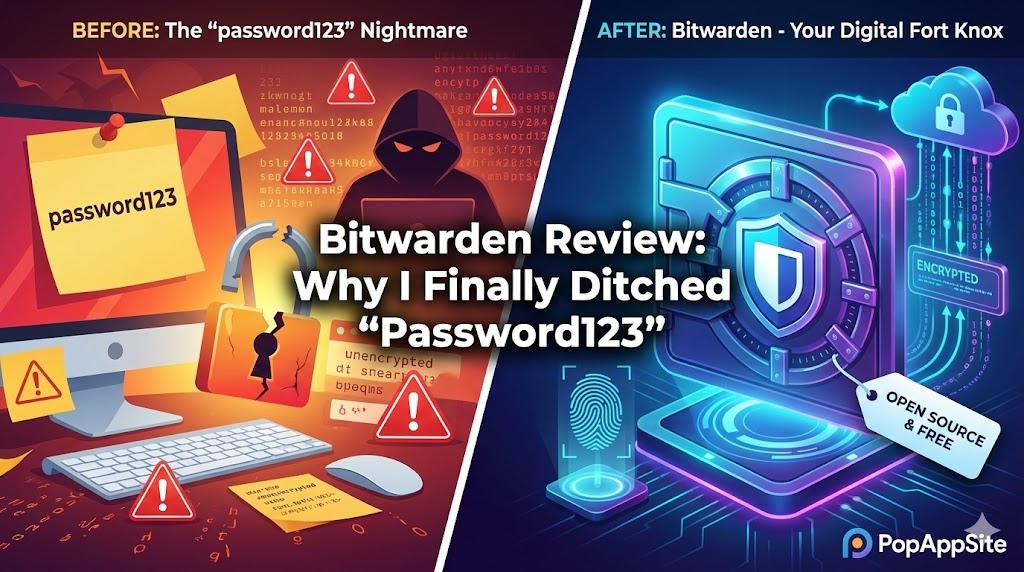
I have a confession to make. For years, I was that person. I used the same password for my email, my Netflix, and—scarily enough—my bank account. I knew it was dumb, but I was too lazy to memorize 50 different complex codes.
Then, the big LastPass data breach happened a few years ago. That was my wake-up call.
I needed a new home for my digital life. I didn’t want to pay a monthly subscription just to log in to websites, and I wanted something open-source (transparent). That’s when I found Bitwarden. After using it daily for over two years, here is why I think it is the absolute king of free password managers.
What is Bitwarden?
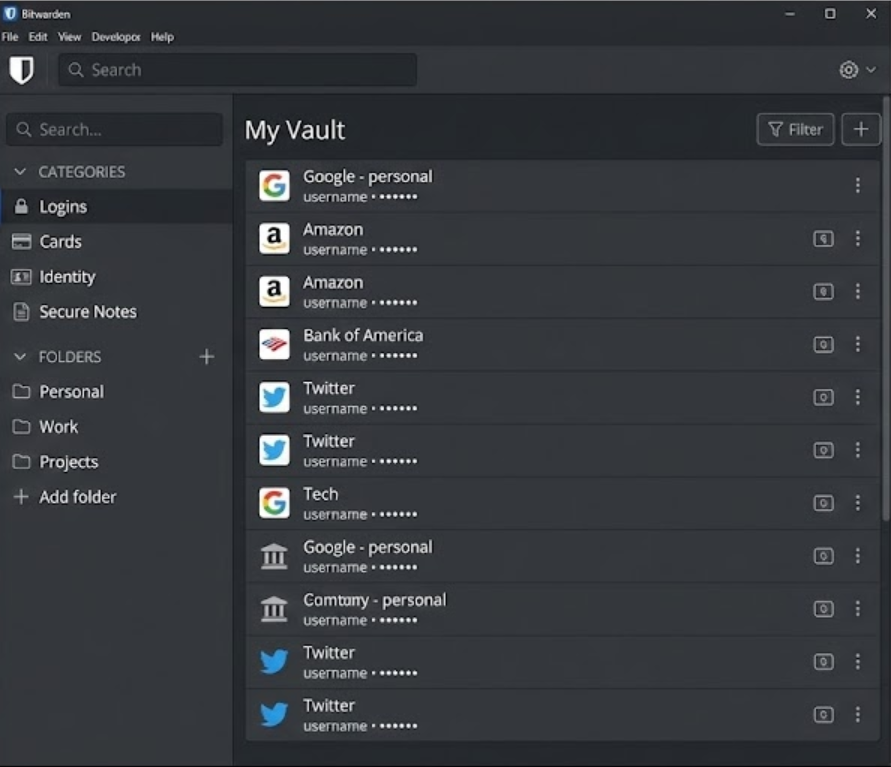
Bitwarden is an open-source password manager. It stores all your logins in an encrypted vault that syncs across all your devices.
The “Open Source” part is crucial. It means the code is public. Anyone can inspect it to make sure there are no backdoors. In the world of cybersecurity, trust is everything, and Bitwarden has earned mine.
The Features That Saved My Sanity
1. The “Generator” (No More Brain Power Required)
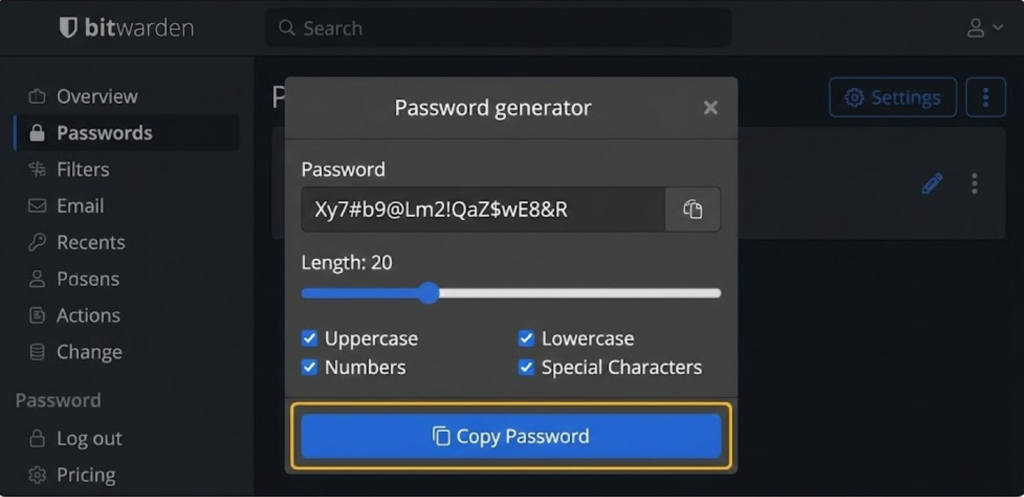
I used to stare at the “Create Password” screen for minutes trying to come up with something clever. Now? I just click “Generate.” Bitwarden spits out something like Xy7#b9@Lm2!, saves it, and auto-fills it next time. I don’t even know what my Facebook password is anymore, and that’s a good thing.
2. Bitwarden Send
This is a hidden gem. Sometimes I need to send a sensitive file or text to a client (like an API key). I don’t want to paste it into an email or WhatsApp where it stays forever. Bitwarden Send creates a secure link that self-destructs after 1 hour or 1 download. It feels like something out of a spy movie.
3. Biometric Unlock
On my phone, I just use my fingerprint. On my MacBook, I use TouchID. I rarely type my master password anymore. It removes the friction of “security.”
Pros and Cons: The Honest Truth
The Pros:
- The Free Plan is Insane: Most competitors limit you to “1 device” on the free plan. Bitwarden offers unlimited passwords on unlimited devices for $0. This is a no-brainer.
- Open Source: You own your data. You can even “self-host” it on your own server if you are a tech geek (I haven’t tried this, but it’s cool that I can).
- Speed: The browser extension is lightweight and instant.
The Cons:
- The UI is… Ugly: Let’s be honest. Compared to 1Password, Bitwarden looks like it was designed by engineers, not artists. It’s functional, but it’s dry.
- Auto-fill Glitches: Occasionally on Android, the auto-fill popup doesn’t appear immediately, and I have to pull down the notification shade to trigger it.
Who Is This For?
- Everyone: Seriously. If you are still using a notebook or your brain to store passwords, stop.
- Privacy Advocates: People who don’t trust big tech companies with their keys.
- Budget Conscious Users: It is the best free option, period.
Final Verdict
Bitwarden might not be the prettiest app on my phone, but it is the most essential. It turned my digital security from a “hot mess” into a fortress. Since it’s free, you literally have no excuse not to use it.
My Rating: ⭐⭐⭐⭐⭐ (5/5) — Best value for money (since it’s free).










